
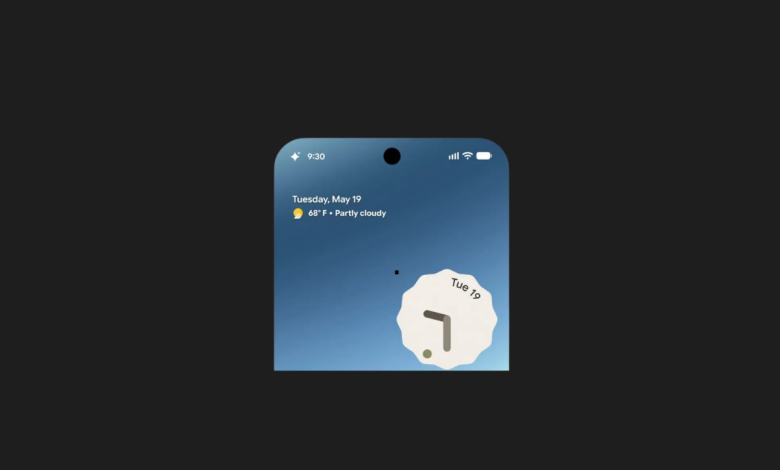

I’ve been tracking Google’s shift toward agentic AI closely over the past year, but their latest reveal from the Android ecosystem genuinely feels like a massive UX breakthrough. We’ve been talking about AI “agents”—programs that don’t just chat, but actually go out and execute multi-step tasks for you—for months. But until now, the biggest missing link has been visibility. If an AI is running errands in the background of your phone, how do you keep tabs on it without getting anxious?
Google just answered that with Android Halo.
This isn’t a new standalone app or a basic chatbot upgrade. It’s a dedicated, system-wide interface layer integrated directly into Android. Its sole job is to act as a flight control radar for the background AI agents operating inside your device. Watching the demo, it clicked for me immediately: Google doesn’t want AI to be a destination you visit inside an app anymore; they are turning the entire operating system into a living, breathing command center.
Moving Beyond the Chatbox: The Transparency Problem
Let’s look at how we currently use AI. You open an app, type a prompt, wait for a wall of text, and copy-paste it elsewhere. If you ask a next-gen agent to complete a complex, multi-step task—like organizing a full travel itinerary, booking flights, or tracking down specific market data—you usually have to sit there and stare at a loading wheel, or leave the app and hope it doesn’t crash in the background.
Android Halo completely flips this dynamic.
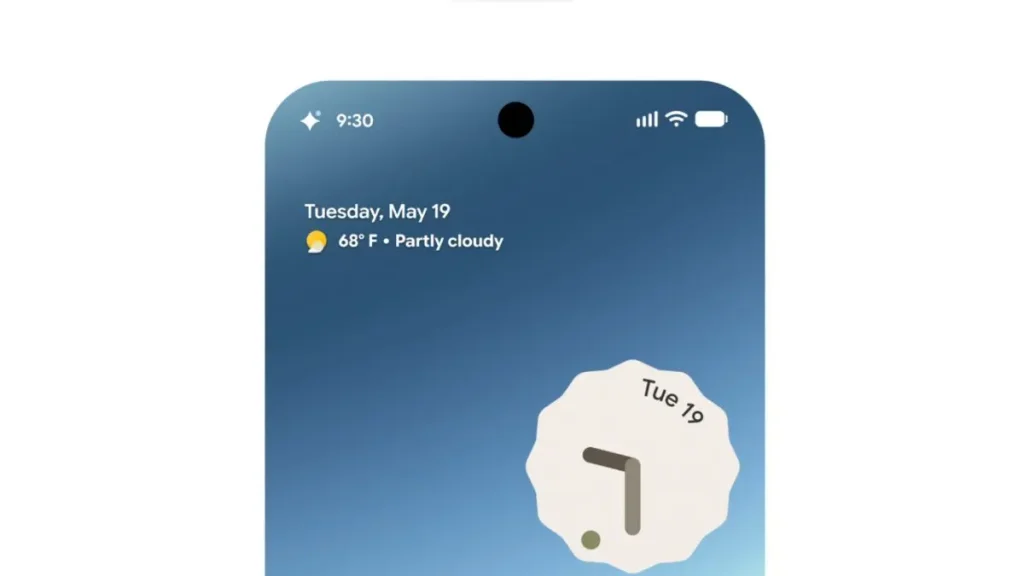
- The Persistent Status Layer: When you deploy a Gemini-powered agent to handle a task, a subtle, dynamic Gemini icon anchors itself to the edge of your screen.
- Glanceable Progress Tracking: Instead of constantly reopening an app to check if your agent made a mistake, Halo pushes live, context-aware status updates directly to your screen, behaving almost like a highly interactive, fluid notification bubble.
- Human-in-the-Loop Architecture: If the agent encounters a roadblock—say, a sold-out ticket option or a required security verification—Halo neatly surfaces a micro-action card. You tap “approve” or select an alternative right from your current screen, and the agent continues its work seamlessly.
I love this approach because it tackles the inherent trust issue we have with autonomous AI. I don’t want an agent operating in complete darkness inside my device. Android Halo gives you a persistent, non-intrusive window into the AI’s digital brain.


Changing How an Operating System Works
If you step back and look at the bigger picture, this represents a fundamental shift in how we interact with mobile hardware. For over a decade, smartphones have been siloed application launchers. You open App A, close it, open App B, and move data manually between them.
With Android Halo, the OS transitions into a orchestrator of background automation.
| Feature | The Old AI Model (Apps) | The New AI Model (Android Halo) |
| User Interface | Siloed within specific applications. | System-wide, ambient overlay. |
| Workflow | Active waiting; user must stay inside the box. | Passive monitoring; execute other tasks simultaneously. |
| Friction Level | High; constant app switching required. | Low; interactive widgets handle quick approvals. |
Imagine you are editing a video or answering a priority email. In the background, your agent is scanning multiple logistics platforms to re-route a delayed shipping package. Instead of pulling you out of your creative flow, Halo quietly updates you: “Route optimized. Click to authorize payment.” You tap once, and you never left your workspace. That is what true digital leverage feels like.
My Take: The Race for the Ultimate Agent Hub
While I’m genuinely impressed by the concept, the real-world execution is where the rubber meets the road. If Android Halo bombards us with too many granular notifications, it will quickly turn into annoying system spam. If it’s too quiet, we’ll go back to not trusting what the agent is doing behind the scenes. Striking that perfect balance of ambient informational updates is going to be Google’s biggest design challenge.
However, if they nail this infrastructure, it changes the competitive landscape entirely. It makes the underlying operating system the ultimate gatekeeper of AI utility. Apps will no longer compete just for your direct attention; they will compete to see how well they can integrate with your phone’s background agents.
We are watching our devices evolve from passive digital notebooks into active, autonomous assistants that think, track, and execute alongside us in real time.
So, I have to ask you: Would you feel comfortable letting autonomous AI agents run errands in the background of your phone all day if you had a visual dashboard like Halo to monitor them, or do you prefer doing every digital step manually? Let’s discuss in the comments below!
You Might Also Like;









