

If you’re exploring AI tools and wondering which one can truly assist with writing, brainstorming, or research, Claude by Anthropic is worth checking out. We spent several sessions testing its capabilities, and the experience was surprisingly intuitive and human-like. Whether it’s generating content, answering complex questions, or helping with structured writing tasks, Claude feels more like a thoughtful assistant than just a software tool.
What we loved most? The natural and careful responses. Unlike other AI models that sometimes rush answers or make bold guesses, Claude takes a more measured approach, giving outputs that are often clearer and more context-aware. For anyone who values accuracy and thoughtful assistance, Claude is a joy to use.
Throughout this review, we’ll cover key features, pros and cons, pricing, tips and tricks, and how you can get started using Claude yourself. By the end, you’ll see why we believe this AI assistant deserves a place in your toolkit.
What is Claude?
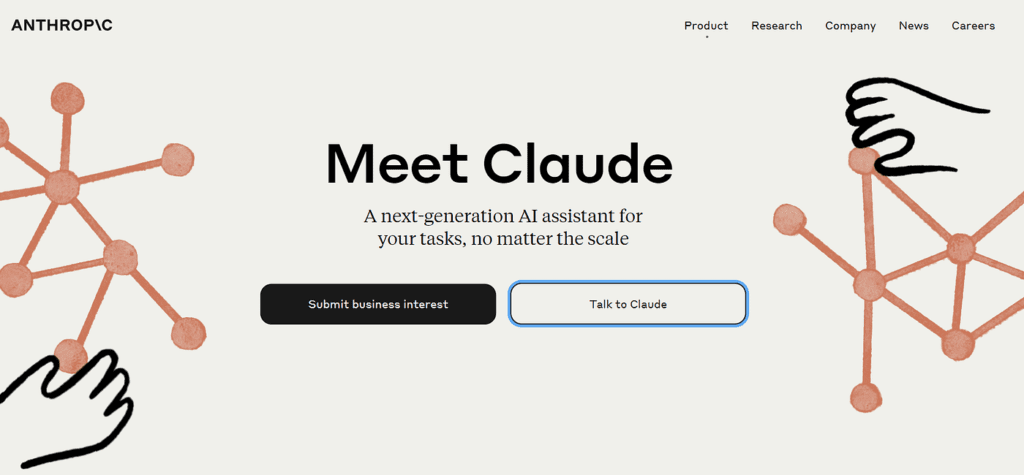
Claude is an AI language assistant developed by Anthropic. It’s designed to provide human-like text generation while emphasizing safety, clarity, and helpfulness. From writing long-form content to assisting with coding explanations, Claude supports creators, developers, and professionals in multiple fields.
Key Features We Loved

- Thoughtful Text Generation: Produces coherent, context-aware text that feels natural.
- Research Assistance: Helps summarize information and answer questions accurately.
- Multilingual Capabilities: Works in several languages for global users.
- Structured Outputs: Ideal for reports, emails, or content requiring clear formatting.
- Ethical AI Focus: Built with safety and clarity as top priorities, minimizing biased or unsafe outputs.
Why We Enjoyed Claude
The part we enjoyed most about Claude is its balance between creativity and accuracy. Unlike some AI tools that prioritize speed over quality, Claude carefully considers responses, giving content that often requires fewer edits. It’s perfect for writers, marketers, and anyone looking for high-quality, reliable AI-generated text.
Other pros include:


- Ease of Use: Simple and intuitive interface.
- Consistency: Maintains context well over longer conversations.
- Helpful Guidance: Provides useful follow-up suggestions and clarifications.
Areas for Improvement
No AI tool is perfect, and Claude has some limitations:
- Limited Public Access: May require an invitation or account request depending on availability.
- Slower Responses: Takes slightly longer than some other AI tools due to careful processing.
- Pricing Plans: Access may vary between free trials and subscription-based tiers.
How to Access and Use Claude
Here’s how to get started with Claude:
- Sign Up / Login: Visit >>>https://claude.ai and create an account or request access if needed.
- Choose Your Plan: Some versions are free, while premium tiers may offer faster or more advanced responses.
- Enter Your Prompt: Type your request clearly—e.g., “Write a 300-word summary on AI safety practices.”
- Refine and Iterate: Claude allows follow-up questions to improve clarity or adjust tone.
- Use Across Devices: Accessible via web, making it easy to work on desktop or mobile.
The key is to experiment and interact—the more specific your prompts, the better the output. Claude’s thoughtful approach makes it a tool you can rely on for both creativity and accuracy.
Claude by Anthropic is a unique AI assistant for anyone who values careful, context-aware responses. While it may not be as fast as some competitors, its accuracy, thoughtfulness, and reliability make it a standout choice for writers, researchers, and professionals exploring AI-powered tools. Our favorite part? How it balances creativity and precision, giving users confidence in the content they generate.
You Might Also Like;