Wix ADI Review – The AI Website Builder That Designs Your Site in Minutes



Website creation can feel intimidating — choosing layouts, writing copy, picking images, and making everything look professional takes time, skill, and patience.
Wix ADI (Artificial Design Intelligence) solves this by automatically creating a personalized website based on your needs — in just minutes.
You answer a few questions, and Wix ADI generates a complete site with tailored layouts, images, and text, so you can focus on your business rather than design complexity.
This isn’t just a template tool —
it’s an intelligent website designer at your fingertips.
💡 What Is Wix ADI?
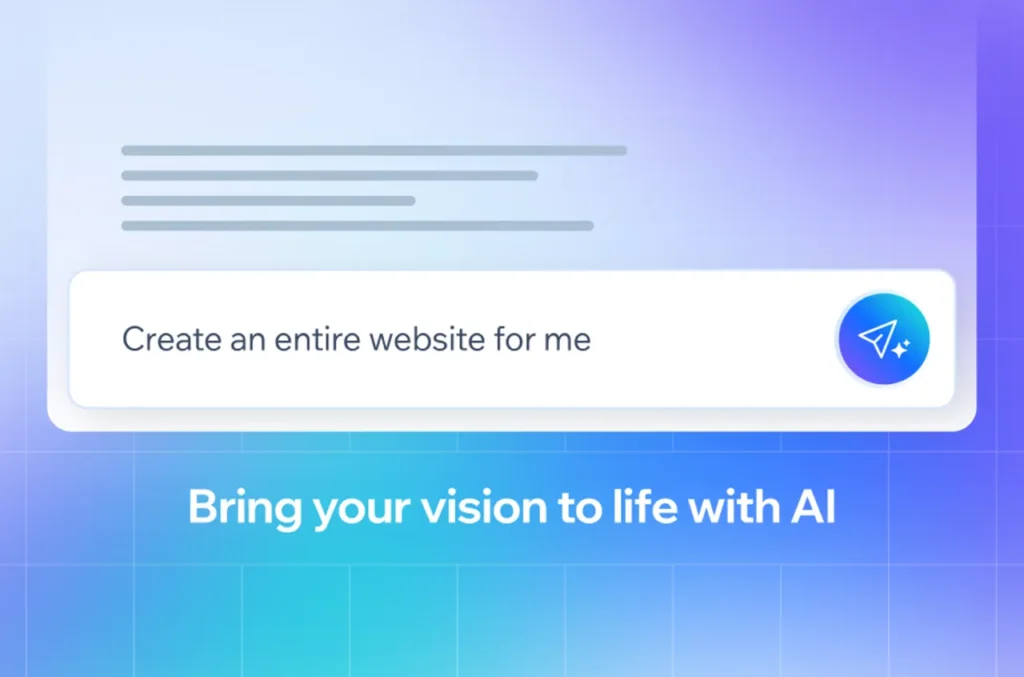
Wix ADI is an AI-powered website builder that generates unique, ready-to-publish websites based on user input.
By analyzing your business type, goals, and preferences, it automatically creates a customized design, layout, and initial content.
Perfect for anyone who needs a beautiful, functional website quickly — with no technical or design experience required.


🎯 Perfect for
💼 Small Businesses
👩🎤 Creators & Artists
📚 Educators
🎙️ Podcasters
🛍️ Online Stores
📰 Bloggers
🎓 Students & Beginners
Basically — anyone who wants a polished website fast.
🔑 Key Features of Wix ADI
🤖 AI-Powered Website Generation – Creates full websites from simple prompts
🎨 Automatic Design & Layouts – Tailored to business type + preferences
✍️ Auto-Generated Copy & Images
📱 Mobile-Responsive Design
🖼️ Drag-and-Drop Customization
🎯 Industry-Specific Sections
📊 Built-in SEO Tools
🛒 E-Commerce Support
📧 Integrated Forms & Bookings
⚡ Fast Setup — Live in Minutes
Wix ADI combines automation + customization, so your site feels unique.
🌟 Why We Loved Wix ADI
Wix ADI shines by eliminating the hardest parts of building a website.
Instead of starting from scratch, you get a complete site that you can refine — saving massive time.
Highlights
✅ Incredibly fast web creation
✅ Beginner-friendly
✅ Great default layouts & visuals
✅ Auto-copy saves writing time
✅ Much easier than traditional builders
✅ Flexible customization options
It’s like having your own web designer — without the cost.
⚠️ Areas for Improvement
🧩 Limited deep customization vs. manual Wix editor
🎨 Designs can feel similar if not manually adjusted
💰 Some features require paid plans
🔧 Not ideal for highly complex websites
Still, for most users, the speed + simplicity are huge advantages.
🚀 How to Use Wix ADI
1️⃣ Visit Wix and choose ADI builder
2️⃣ Answer questions about your business/needs
3️⃣ Let ADI generate your site
4️⃣ Customize text, layout, media
5️⃣ Connect domain + publish
✅ Pro Tip:
After ADI creates your website, switch to the advanced editor to unlock deeper customization.
🏁 Final Verdict
Wix ADI is one of the easiest ways to get a professional website up and running — fast.
Its AI-powered design engine removes the stress of layouts, branding, and structure, giving users a polished starting point with minimal effort.
Whether you’re building a portfolio, blog, or business site, Wix ADI delivers a smart, simple, and effective experience — especially for beginners.
✅ Our Favorite Feature
⚡ Instant, Personalized Website Generation
In minutes, you get a fully designed, mobile-ready website — no coding, no design skills, no stress.
Wix ADI makes website creation effortless — intelligent, fast, and user-friendly. 🌐✨
You Might Also Like;