
Hey everyone,I need to confess something: I hate making presentations. Or at least, I used to. The worst part of my job was staring at a blank PowerPoint or Google Slide, trying to figure out where to even start. I’d spend hours just moving boxes around and searching for decent stock photos.
It was awful.
Then I fell down the rabbit hole of AI presentation makers, and honestly, it’s completely changed the game for me. You just give them a topic, and they spit out an entire, genuinely good-looking presentation in like, a minute.
I’ve tried a bunch of them, and some are way better than others. Here are my top 10, what they’re good for, and what they cost.
My Top 10 AI Presentation Tools
(Just a heads-up: Prices are what I saw in late 2025. They might change, but this gives you an idea. Most paid plans are worth it just to get rid of the “Made with…” watermark.)
1. Gamma (gamma.app)
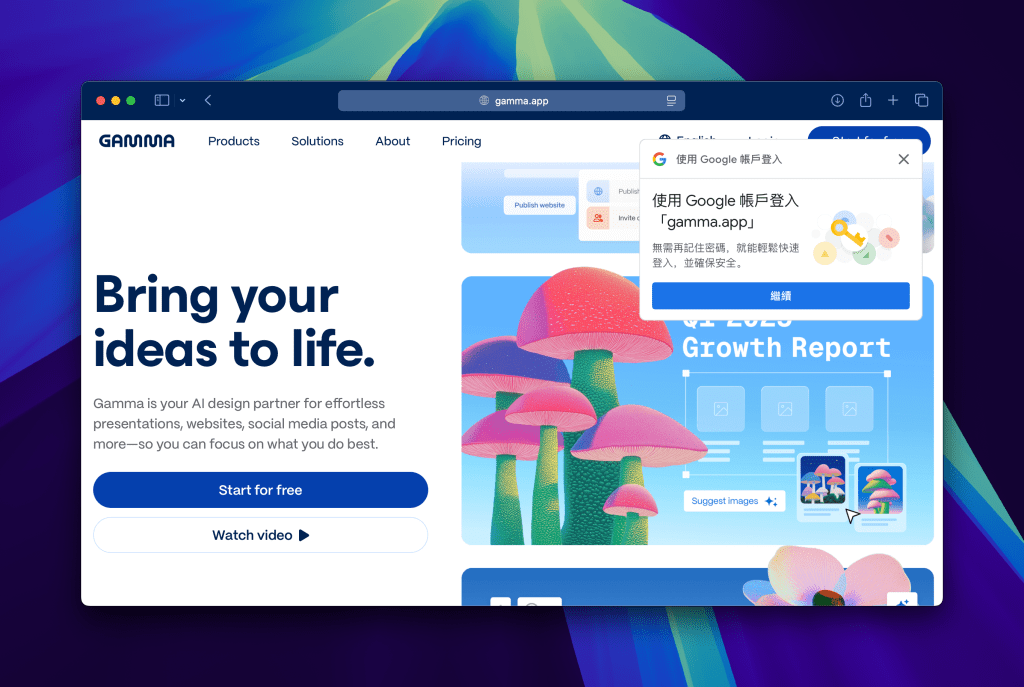
This is my go-to for getting a first draft done FAST. You type in a prompt like “a 10-slide presentation on the future of electric cars,” and it just… makes it. The designs are super clean and modern, and it feels more like a cool webpage than a boring slide. You can also just ask the AI to “make this part shorter” or “add an image here,” which is awesome.


- Pricing: The free plan is actually pretty generous and gives you credits to make a few presentations. The Pro plan (around $16-20/month) gives you more credits and removes their branding.
2. Beautiful.ai
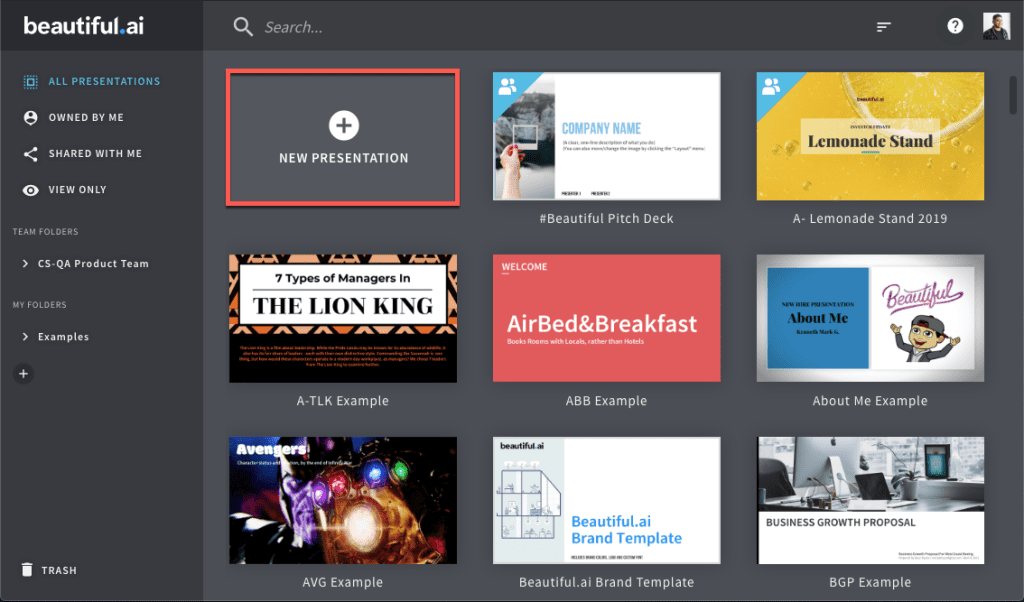
Okay, so this one is for anyone who (like me) has terrible design sense. Its main thing is “smart slides.” As you add text or an image, the slide automatically adjusts to keep it looking professional. It’s impossible to make an ugly slide. It’s a bit restrictive, but that’s the whole point.
- Pricing: This one is more of a “pro” tool. I think the main plan is around $12/month (paid for the year).
3. Tome

If you want to really “wow” someone, use Tome. This thing doesn’t just make slides; it makes these beautiful, interactive “stories.” It’s integrated with AI image generators (like DALL-E 3), so you can create mind-blowing custom images for your pitch. I’d use this for a huge client pitch or a keynote, not really for a weekly team update. It just feels high-end.
- Pricing: Has a free trial with AI credits. The Pro plan is about $16-20/month for unlimited use.
4. Canva (Magic Design)

You probably already use Canva. Well, now it has a “Magic Design” feature. You type in a prompt, and it generates a bunch of full presentation options using all of Canva’s templates and photos. The best part is that you’re already in Canva, so you have access to their massive library of videos, icons, and fonts to finish it.
- Pricing: You can use it a bit on the free plan, but it’s really part of Canva Pro (around $13-15/month), which you might already be paying for.
5. Pitch

We use this at my work sometimes. It’s built for teams. It has all these great collaboration features, so you and your colleagues can all be in the same presentation, leaving comments and assigning tasks. Its templates are gorgeous—very “startup-y” and modern. The AI features are good for helping you get started or rewrite a slide.
- Pricing: The free plan is great for small teams. The Pro plan is around $17-20 per person per month.
6. Slidesgo (AI Presentation Maker)
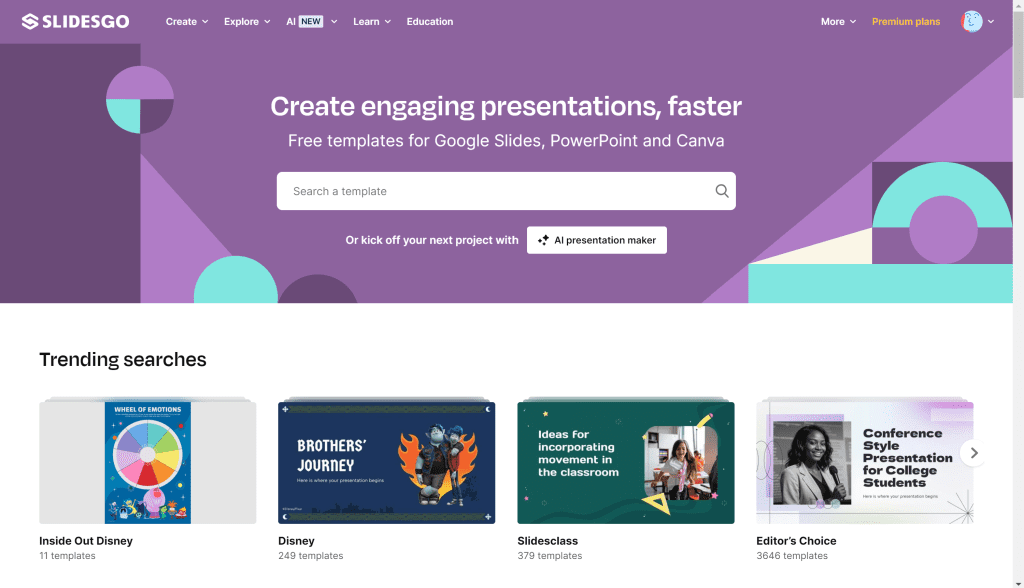
I used to use Slidesgo all the time just to download templates for Google Slides. Now they have their own AI maker. It’s pretty simple: you pick a style you like (like “minimalist” or “playful”), give it your topic, and it makes a presentation for you in that style. It’s solid, no-fuss, and great for students.
- Pricing: Super affordable. You can make presentations for free (with limits), and their premium plan is only like $5-10/month.
7. Decktopus
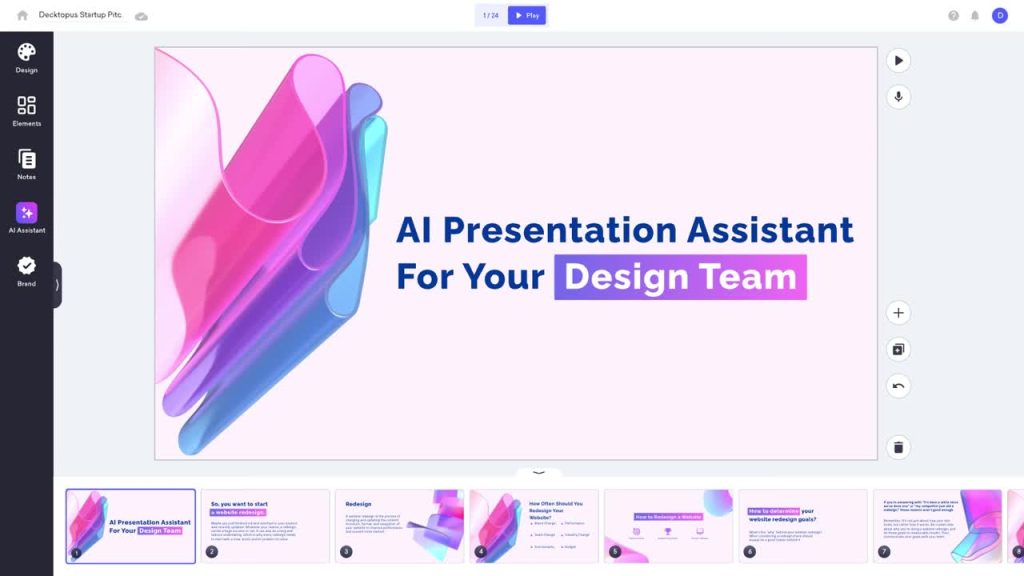
This one is interesting. It’s more “guided.” It doesn’t just give you a blank slide; it gives you a structure and uses AI to help you fill in the blanks. It even helps write your speaker notes. I’d use this if I needed to create a sales proposal or a business report really, really fast and didn’t want to mess around with design at all.
- Pricing: The Pro plan is around $10/month.
8. Prezi AI
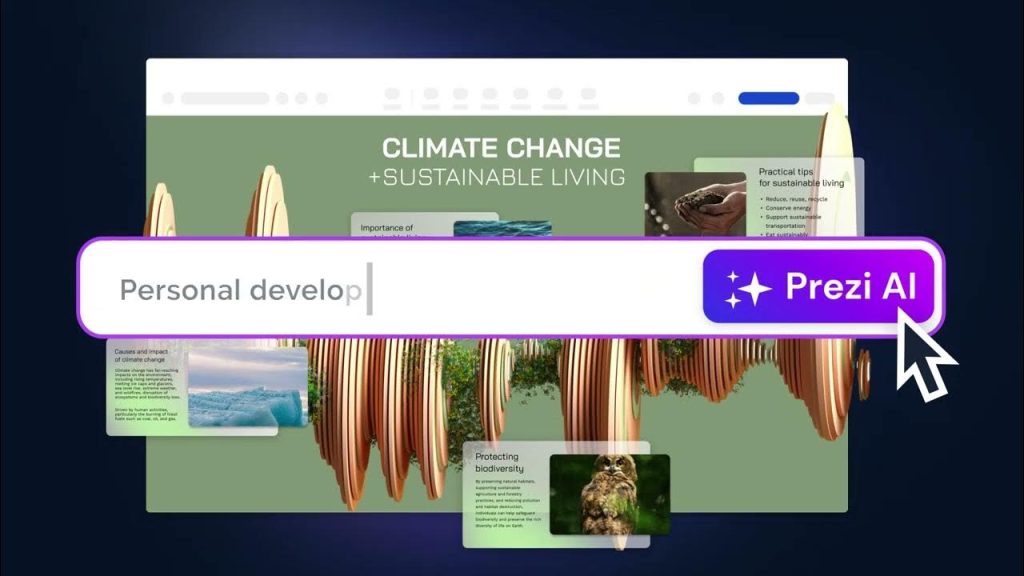
Remember Prezi? The weird zooming presentation tool? Well, it’s back and it has AI. It helps you create those big, non-linear “mind map” style presentations. Instead of going slide-by-slide, you can zoom around to different topics. It’s great for showing how ideas connect, but it can make some people dizzy, lol.
- Pricing: They have a few plans, starting around $7-19/month.
9. Simplified
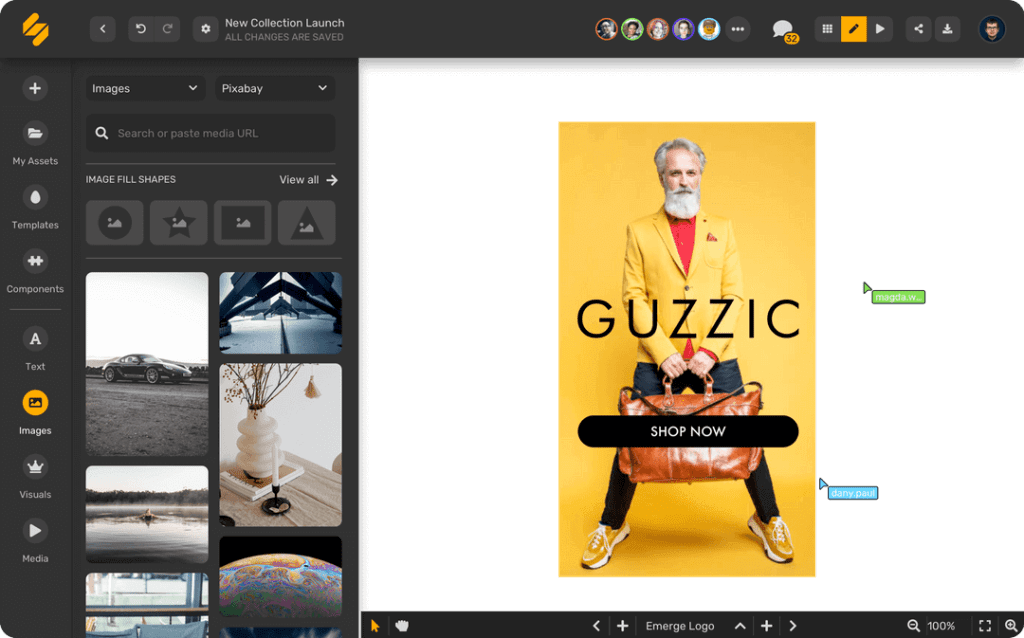
This isn’t just a presentation tool. It’s like an all-in-one AI marketing thing. It has an AI writer, video editor, and social media scheduler, AND an AI presentation maker. If you’re a freelancer or run a small business, this is an amazing value because you get everything in one subscription.
- Pricing: Has a free plan. The paid plans start around $10-12/month and go up from there.
10. Sendsteps.ai

This one is built for live talks. Its specialty is creating interactive slides, like live polls, word clouds, and Q&As. You can even upload a Word doc, and it will turn it into an interactive presentation. If you’re a teacher, trainer, or you just want to keep your audience from falling asleep, this is the one to try.
- Pricing: Has a free plan. Paid plans are around $9-20/month to get more interactive features.
🤔 So, Which One Should You Get?
Honestly, it just depends on what you’re doing.
- My advice: Just start with Gamma or Canva. Gamma is super fast for ideas, and you probably already know how to use Canva.
- If you’re in a startup or need to work with a team, try Pitch.
- If you have a really important presentation and want to look like a design genius, pay for a month of Tome.
The main thing is, don’t ever stare at a blank slide again. Just let the AI do the first draft. It’s a lifesaver.
You Might Also Like;
- We Selected 10 Series Similar to Stranger Things for Those Who Love It
- Where and How is Silver Used in Electric Vehicles?
- Hyundai Unveils Its Multi-Purpose Wheeled Robot
Follow us on TWITTER (X) and be instantly informed about the latest developments…