Step-by-Step Guide: How to Use Google Veo 3 – The AI Video Tool Everyone’s Talking About!


If you still believe artificial intelligence won’t advance any further or take over creative jobs, we’ve got news for you: the future is already here. In one of the biggest leaps in AI technology to date, Google has unveiled Veo 3, the newest version of its video generation model. With Google Veo 3, you can now produce hyper-realistic videos and even add matching audio and dialogue in multiple languages.
And the best part? It’s now available in many countries, including the U.S. and across Europe.
🎬 What Can Google Veo 3 Do?
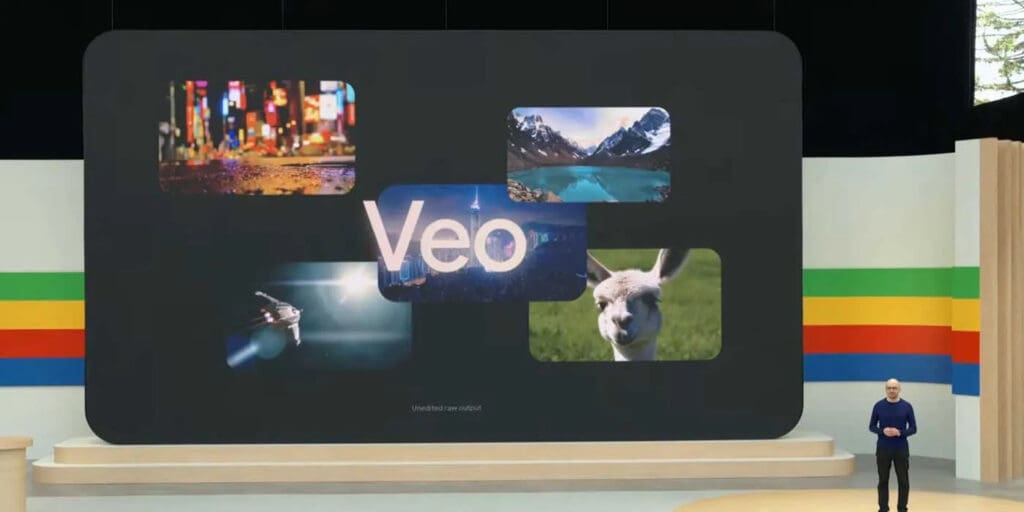
Google Veo 3 introduces a new era in video generation:
- Create 4K photorealistic videos
- Add AI-generated voiceovers and dialogues in different languages
- Generate content from simple text prompts
- Produce cinematic effects and highly stylized visuals
How to Use Google Veo 3 – Step-by-Step
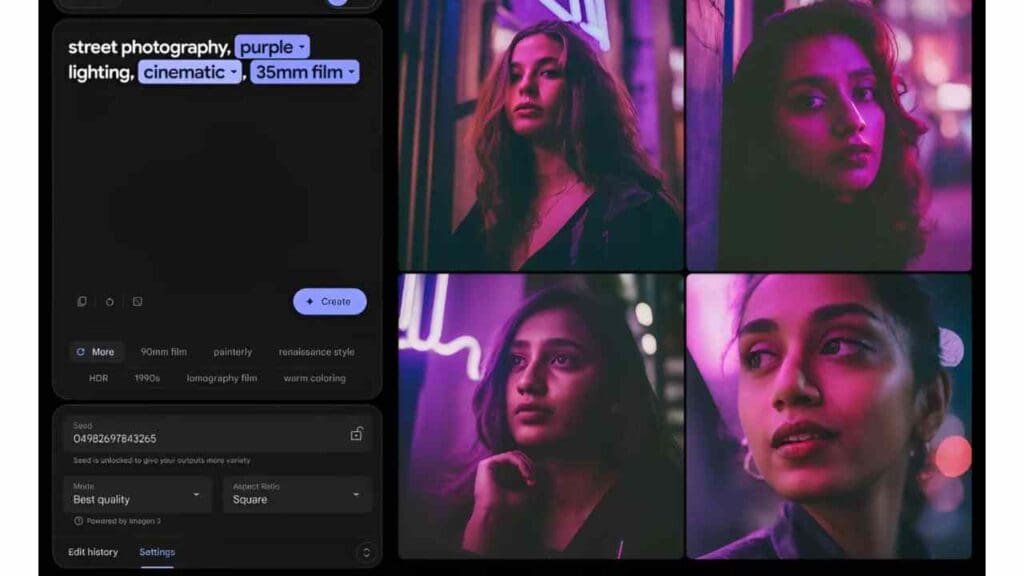
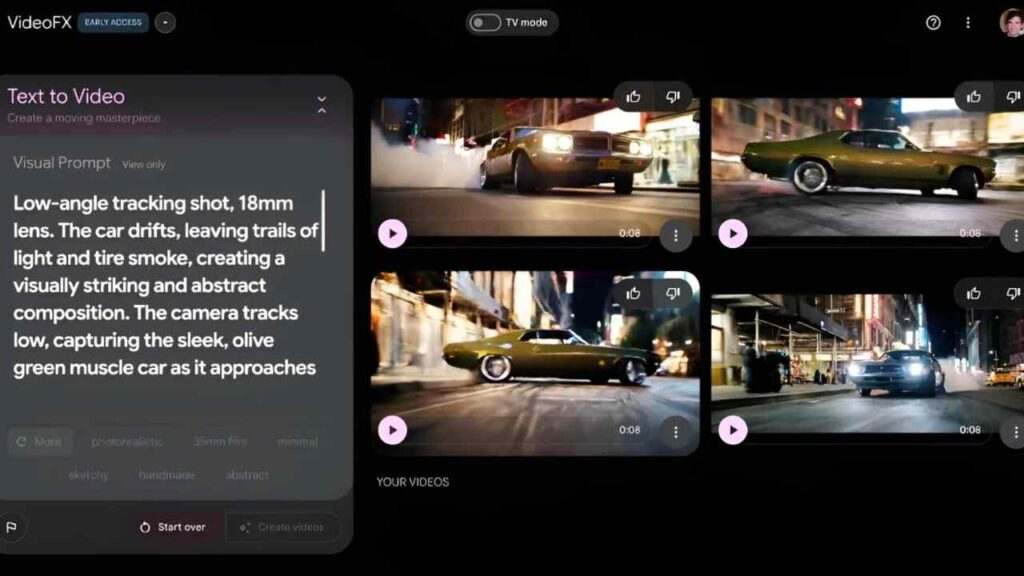
To access Google Veo 3, you’ll need an active subscription to one of Google’s AI service tiers. Here’s how to get started:
- Sign in to your Google account.
- Subscribe to either Google AI Pro or AI Ultra.
- Access Veo via the Google AI Studio or through the Gemini platform.
- Describe the video you want in a text prompt.
- Select style, length, and language if needed.
- Click Generate — and watch the magic happen!
💰 Is Google Veo 3 Free?

No, Google Veo 3 is not free — but there is a trial option available.
🧾 Google Veo 3 Subscription Plans (USD)
| Plan | Price | Trial |
|---|---|---|
| AI Pro | $19.99/month | 1 month free |
| AI Ultra | $299.99/year | 3 months at $149.99 |
These subscriptions not only unlock Veo 3 but also provide access to other advanced Gemini AI features, including real-time document generation, multimodal AI tools, and more.


Google Veo 3 is more than just a text-to-video tool — it’s a game-changer for creators, marketers, educators, and filmmakers alike. Whether you want to generate professional marketing videos or craft sci-fi storytelling content, Veo 3 makes it possible in seconds.
So, are you ready to join the AI video revolution?