


Let’s face it — writing without mistakes is harder than it seems. Whether it’s drafting a blog post, sending a professional email, or writing an academic paper, even the best writers sometimes miss grammar errors or awkward sentences. That’s where Slick Write AI steps in.
After trying it ourselves, what we loved most is how Slick Write AI helps polish writing instantly, without feeling complicated or overwhelming. Unlike heavy editing tools that sometimes slow you down, Slick Write is lightweight, fast, and 100% free to use online. It’s the kind of tool you can open in a browser, paste your text, and get instant feedback in seconds.
In this review, we’ll dive into what Slick Write AI is, its best features, pros and cons, pricing, and how you can use it effectively.
What is Slick Write AI?

Slick Write AI is a free online grammar and writing checker that helps you identify grammar mistakes, stylistic issues, readability problems, and potential plagiarism. Unlike premium tools, it focuses on being simple, accessible, and fast, making it ideal for students, bloggers, and casual writers.
Key Features We Loved
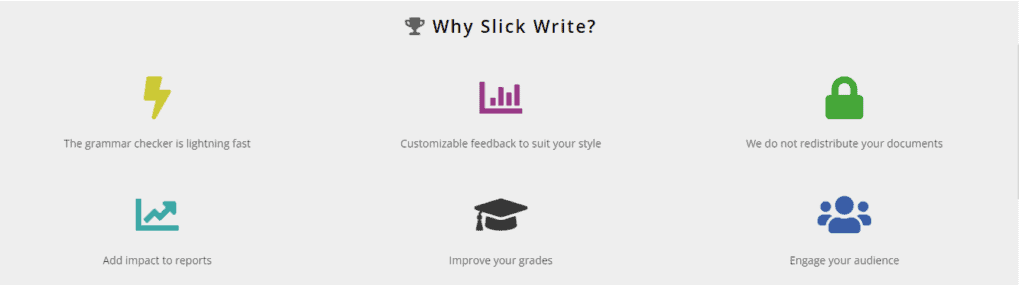
- Grammar & Spell Check: Detects errors and offers quick fixes.
- Style Suggestions: Improves sentence flow and word choice.
- Readability Analysis: Helps you make your text easier to read.
- Vocabulary Variety: Flags repetitive words and suggests alternatives.
- Plagiarism Check (optional): Ensures originality in your writing.
- Fast, Browser-Based Tool: No downloads required, works instantly online.
Why We Enjoyed Slick Write AI
The part we enjoyed the most is its speed and simplicity. You don’t need to create an account or install anything. Just paste your text and let Slick Write do the magic. It’s especially useful for writers who want quick editing without distractions.
Other pros include:


- Free to Use: No subscription needed.
- User-Friendly: Clean and simple interface.
- Good for Students & Bloggers: Perfect for quick checks before submitting work.
- Detailed Feedback: Goes beyond grammar to analyze style and readability.
Areas for Improvement
- Not as Advanced as Premium Tools: Lacks deep contextual understanding compared to Grammarly or QuillBot.
- No Offline Access: Works only online.
- Limited Integrations: No direct plugins for Word or Google Docs.
How to Access and Use Slick Write AI
Using Slick Write AI is straightforward:
- Go to the Website: Visit SlickWrite.com. >>> www.slickwrite.com
- Paste Your Text: Copy your draft into the editor.
- Run a Check: Click “Check” to scan for grammar and style issues.
- Review Suggestions: Edit based on highlighted errors and style advice.
- Improve Readability: Use the analysis to make your text flow better.
💡 Pro tip: Use Slick Write’s vocabulary variety feature to avoid repetitive words — it instantly makes your writing more engaging.
Slick Write AI is a fantastic, lightweight tool for anyone who wants to improve grammar, clarity, and style without paying for expensive subscriptions. While it may not replace advanced AI editors, it’s perfect for students, bloggers, and professionals who want a fast and free writing assistant.









