
If you’re exploring AI tools and want a smart, reliable assistant for writing, Grammarly is one of the most well-known and effective options available. We’ve spent hours testing it across emails, blog posts, and professional documents, and it quickly became clear that Grammarly isn’t just a spellchecker — it’s a full-featured AI writing assistant that improves clarity, tone, and readability.
What we loved most? The real-time feedback and intuitive suggestions. Unlike other tools that just highlight errors, Grammarly explains why something needs correction and offers alternatives that match your style. Whether you’re a student, professional, or content creator, Grammarly helps you write with confidence and polish.
In this review, we’ll cover key features, pros and cons, pricing, tips, and exactly how to start using Grammarly to enhance your writing workflow.
What is Grammarly?

Grammarly is an AI-powered writing assistant that helps users improve grammar, spelling, punctuation, clarity, engagement, and tone. Beyond basic corrections, Grammarly analyzes your writing contextually to provide advanced suggestions for style, conciseness, and readability.
Key Features We Loved
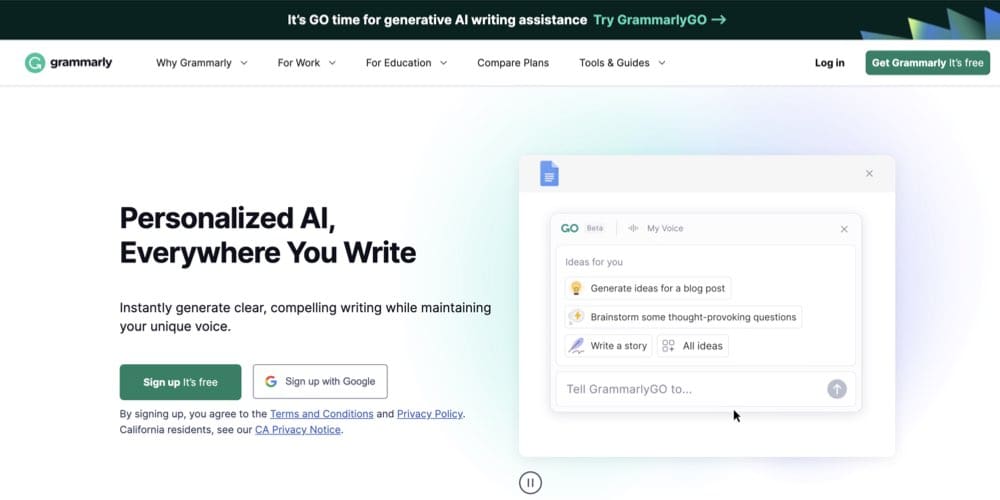
- Grammar & Spelling Checks: Catch errors instantly and learn why they’re wrong.
- Tone Detection: Adjust your writing style for emails, social posts, or formal documents.
- Plagiarism Checker: Ensure originality with built-in plagiarism detection.
- Writing Insights: Provides performance stats, readability scores, and suggestions.
- Browser & App Integration: Works with Google Docs, MS Word, emails, and social media.
- Premium Enhancements: Offers advanced vocabulary suggestions and clarity improvements.
Why We Enjoyed Grammarly
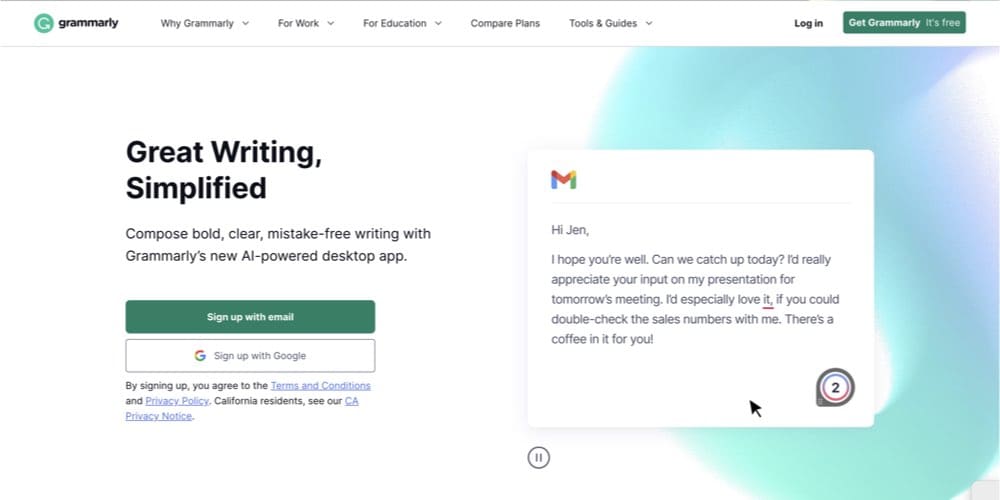
The part we enjoyed most about Grammarly is how it combines accuracy with guidance. It doesn’t just correct mistakes — it helps you become a better writer over time. Its suggestions are intuitive, and the tone adjustments make it easy to match your intended voice.
Other benefits include:


- Ease of Use: Extremely user-friendly, even for beginners.
- Consistency: Maintains a high standard across all types of writing.
- Cross-Platform Access: Use it in browsers, desktop apps, and mobile keyboards.
- Time-Saving: Reduces the need for multiple revisions and proofreading sessions.
Areas for Improvement
- Premium Cost: Advanced features require a paid subscription.
- Over-Suggestions: Sometimes it may suggest overly formal or unnecessary changes.
- Internet Dependent: Needs online access for full AI-powered functionality.
How to Access and Use Grammarly
Getting started with Grammarly is simple:
- Sign Up / Login: Visit Grammarly >>>www.grammarly.com and create a free account.
- Install Extensions or Apps: Add the browser extension, desktop app, or mobile keyboard.
- Start Writing: Grammarly automatically checks your text in real-time.
- Review Suggestions: Accept, reject, or modify suggestions for grammar, tone, and clarity.
- Use Premium Features (Optional): Access advanced vocabulary, style improvements, and plagiarism checks.
The key is to write naturally and let Grammarly guide you. Over time, you’ll notice your writing becoming clearer, more professional, and easier to read.
Grammarly is more than a spellchecker — it’s a comprehensive AI writing assistant that improves grammar, style, clarity, and tone. While premium features require a subscription, the accuracy, usability, and insightful feedback make it indispensable for students, professionals, and content creators.
Our favorite part? How it actively teaches you to write better while catching mistakes in real-time, making every document or message more polished and professional.
You Might Also Like;