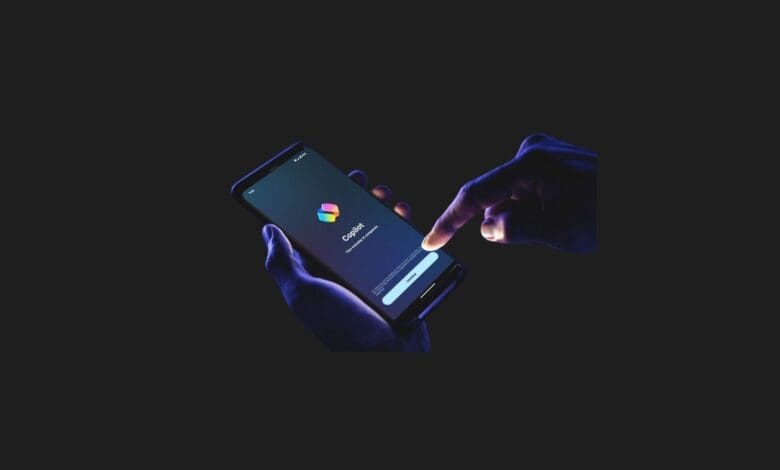

Microsoft has launched Copilot Vision for Windows 10 and Windows 11 systems. This new feature allows the AI-powered assistant, Copilot, to view your computer screen when needed and provide assistance.
With Copilot Vision, you can share your computer screen with Copilot at any time. This enables Copilot to “see” what’s on your screen, just like you, and offer immediate help based on what it observes.
For instance, if you’re in a photo editing program, Copilot can guide you step-by-step. Or, if you’re Browse a webpage, it can analyze and explain the information presented there. Microsoft describes this feature as “like a second pair of eyes, understanding what you’re looking at and offering information and guidance.”
Copilot Vision: Ready to Help with Anything

Copilot Vision has undergone various tests and is now being rolled out for free to Windows 10 and Windows 11 users, starting with the United States. It’s important to note that you don’t need an extra subscription (like Copilot Pro) to use this feature. However, since it’s currently only available in the US, we’ll have to wait for its global release.
You can find Copilot Vision within the Copilot application and activate it by clicking a “glasses” icon. Similar to sharing your screen in Microsoft Teams, you can share only specific application windows with Copilot. This means it won’t continuously monitor your screen like the criticized Recall feature; it will only activate when you give it permission.
You Might Also Like;