Lumitool F20 Review: The Ultimate 20W Fiber Laser Engraver

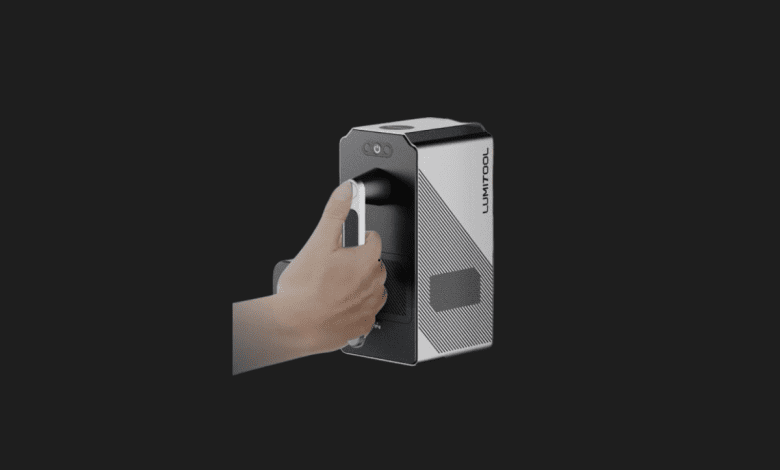

If you have spent any time in the maker space, you likely started with a cheap diode laser. I certainly did. While great for burning wood or slicing thin acrylic, trying to engrave metal with a standard diode is an exercise in frustration. You have to paint the metal, burn the paint, and chemically etch it—it is a tedious mess. So, when the Lumitool F20 arrived on my workbench boasting a true 20W fiber laser, I was eager to see if it could deliver industrial-grade metal marking to a desktop environment. The short answer? It absolutely does, and it does so with terrifying speed.
- ✅ Blazing fast engraving speeds up to 7000 mm/s
- ✅ Industrial-grade 20W fiber power effortlessly marks all metals
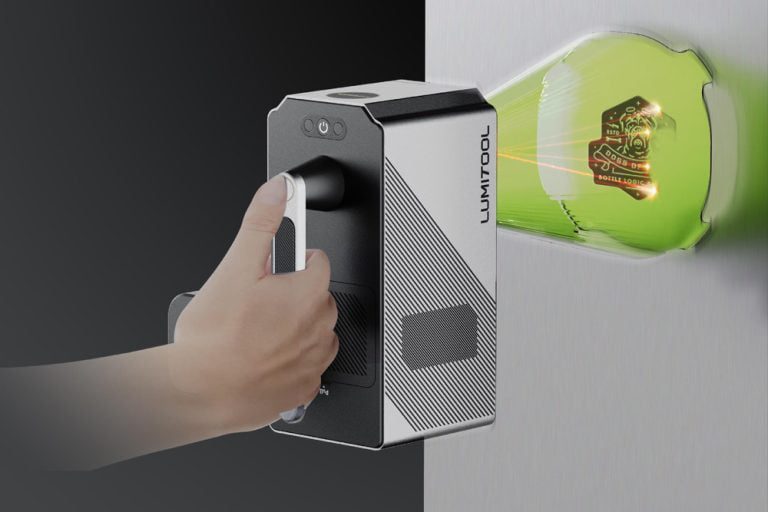
- ✅ Clever modular design allows for both desktop and handheld operation
- ❌ Significantly higher price point than entry-level diode lasers
- ❌ Not suitable for cutting wood or engraving clear acrylics
- ❌ The heavily marketed AI design software still feels a bit gimmicky
| Feature | Details |
|---|---|
| Laser Type | 1064nm Pulsed Fiber Laser |
| Optical Power | 20W |
| Max Engraving Speed | 7000 mm/s |
| Working Area | 110 x 110 mm (Standard Lens) |
| Resolution / Precision | 4K / 0.001 mm |
| Form Factor | Modular (Desktop & Handheld Modes) |
| Software Compatibility | Lumitool App (iOS/Android), PC, LightBurn |
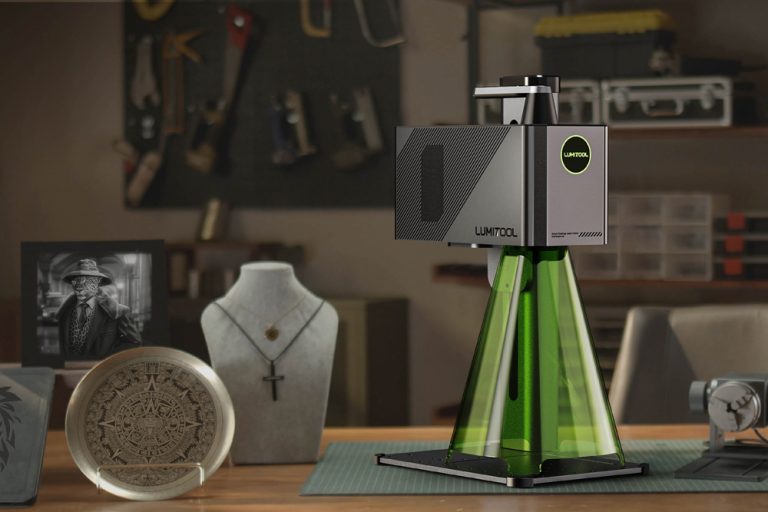
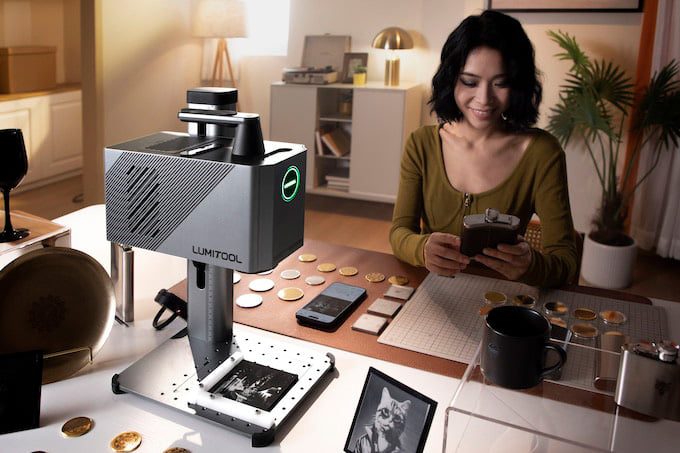
Out of the box, the Lumitool F20 feels like a premium piece of kit. It features a sturdy, heavy metallic build that immediately sets it apart from the plastic-heavy budget engravers I have used in the past. Setting it up took less than fifteen minutes. The true party piece of this machine, however, is its dual-mode capability. You can use it as a traditional desktop laser, sliding your items under the galvo head, or you can detach the main engraving module and use it completely handheld. This unique feature allowed me to safely engrave a custom logo directly onto the side of my massive steel tool chest—a task that would be physically impossible with a traditional enclosed desktop laser.
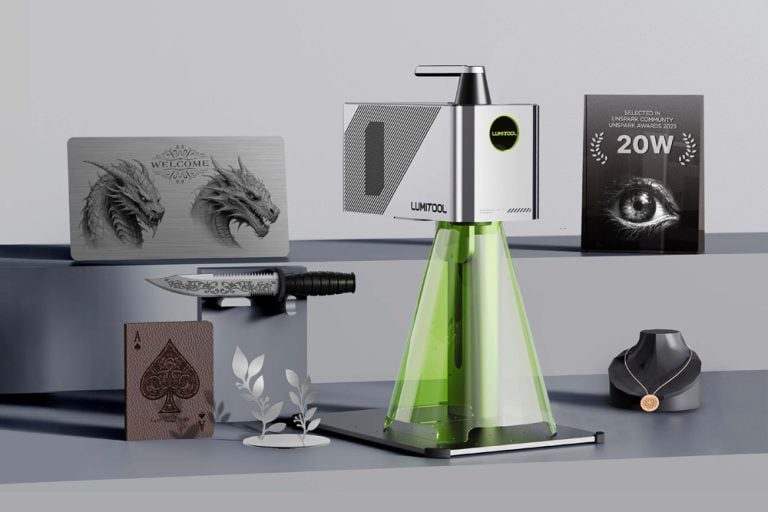
Firing it up for the first time is an absolute revelation. Fiber lasers operate at a 1064nm wavelength, which reacts violently and beautifully with metallic surfaces. I tossed a blank stainless steel dog tag onto the base, loaded a vector logo into the app, and hit start. With a high-pitched electronic screech, the design appeared deeply etched into the metal in literally three seconds. It didn’t just mark the surface; it physically removed material to create a tactile engraving. The speed is so fast that your eyes can barely track the laser path. It makes batch-producing metal business cards, custom jewelry, or serial plates incredibly viable for small business owners.
However, it is crucial to understand what a fiber laser is not. This is not a machine for cutting plywood or engraving clear glass. The 1064nm wavelength simply passes straight through clear materials and scorches organic materials like wood in an unpredictable, messy way. If your primary goal is making wooden coasters or acrylic signs, you need a diode or CO2 laser. Furthermore, while Lumitool heavily advertises their new “AI design” software integration, I found it to be a bit of a mixed bag. It is helpful for generating quick, simple graphics on the fly from your phone, but serious makers will almost certainly bypass the proprietary app and hook the machine straight up to LightBurn, which the F20 thankfully supports natively.
At $1,599, it is a serious financial investment. But for jewelry makers, knife enthusiasts, and small batch manufacturers, the Lumitool F20 bridges the gap between hobbyist toys and $5,000 industrial marking machines perfectly. It brings lightning-fast, permanent metal engraving to a small desk footprint, and the handheld mode is just the icing on the cake.
Who is this for?
The Lumitool F20 is purpose-built for small business owners, jewelers, metalworkers, and serious hobbyists who need to mark metals and hard plastics with extreme speed and precision. It is the perfect upgrade for someone who has outgrown the limitations of a standard diode laser.

Alternatives to consider:
If you need a machine that can handle both wood and metal, the xTool F1 offers a dual-laser setup (Diode and Infrared) in a very similar galvo-style footprint, though it lacks the raw 20W metal-carving power of the F20. The LaserPecker 4 is another highly portable dual-laser alternative, but again, falls short on raw wattage for deep metal engraving.
Can the Lumitool F20 cut wood?
No. Fiber lasers operate at a specific wavelength designed for metals and opaque plastics. If you try to engrave wood, it will likely catch fire or produce a terrible, burnt result without clean lines.
Do I have to use the AI smartphone app?
Not at all. While the app is convenient for quick, wireless jobs, the F20 is fully compatible with LightBurn software on a PC or Mac, which is the industry standard for laser operation.
Lumitool F20 Review
Product Images
You Might Also Like;