
Sometimes, you need more than just a free tool—you need the industry standard. “Freemium” tools are professional platforms that offer a permanent free tier, allowing you to access premium technology with some limitations (like daily credits or watermarks).
Here are the Top 15 Freemium AI Tools in 2026 that give you a taste of professional power without opening your wallet.
🤖 The Giants (LLMs & Chat)
1. ChatGPT (OpenAI)
The most famous AI in the world operates on a classic Freemium model.
- The Free Plan: Access to GPT-4o (their flagship model) with usage limits, then reverts to the lighter GPT-4o mini.
- Best For: Everything—writing, coding, vision analysis.
- Pros: You get to use the smartest model in the world for free (for a limited number of messages per few hours).
- Cons: During high traffic, free users are throttled; access to advanced data analysis is limited.
2. Claude 3.5 (Anthropic)
Known for having a more “human” touch and better coding logic than ChatGPT.
- The Free Plan: Access to Claude 3.5 Sonnet, one of the most intelligent models available.
- Best For: Coding, creative writing, and nuanced tasks.
- Pros: Less “robotic” sounding answers; incredible at following complex instructions.
- Cons: The message limit is much stricter than ChatGPT; you might run out of messages after a short conversation.
3. Perplexity AI

A search engine killer that combines GPT-4 and Claude functionality.
- The Free Plan: Unlimited “Quick” searches and 5 “Pro” searches (deep research) every 4 hours.
- Best For: Real-time web research and fact-checking.
- Pros: It cites every source; the free tier is extremely useful for daily browsing.
- Cons: Access to the very best models (like Claude Opus) is locked behind the Pro sub after your daily credits.
🎨 Design & Creative Visuals
4. Canva (Magic Studio)

The world’s favorite design tool is now an AI powerhouse.


- The Free Plan: Access to Magic Edit, Magic Write, and standard Text-to-Image generation (50 credits/day).
- Best For: Social media managers and content creators.
- Pros: Seamlessly integrated into a design editor you probably already know.
- Cons: The best features (like Magic Resize or Background Remover) are often locked behind the “Pro” crown.
5. Playground AI

A powerful alternative to Midjourney for users who want control.
- The Free Plan: Allows you to generate 500 images per day (with some speed limits).
- Best For: High-quality artistic image generation with fine-tuned control.
- Pros: One of the most generous limits in the AI art world; allows commercial use even on free.
- Cons: Images are public; generation speed slows down after you use your “fast” credits.
6. Recraft.ai
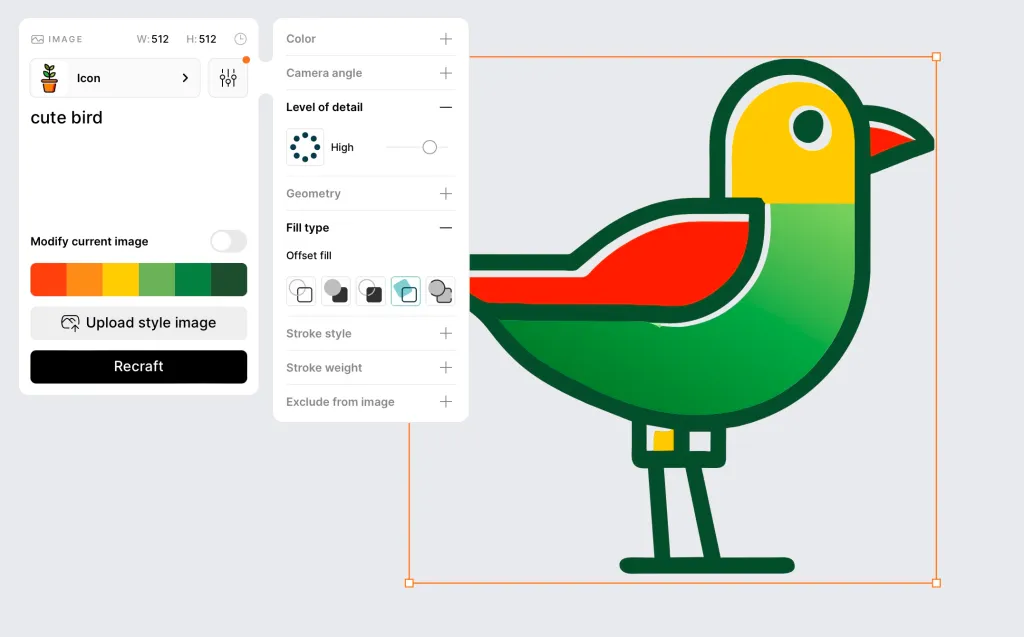
A new vector-based AI design tool.
- The Free Plan: Unlimited generations for public projects.
- Best For: Logos, icons, and vector illustrations (SVG).
- Pros: Unlike other AIs, it creates vectors (infinite scaling) not just pixels.
- Cons: Your designs are public in the community gallery on the free plan.
🗣️ Voice & Video (High-End)
7. ElevenLabs
The undisputed king of AI Voice generation.
- The Free Plan: 10,000 characters per month (~10 minutes of audio).
- Best For: High-quality voiceovers for YouTube or podcasts.
- Pros: The most realistic human voices on the market.
- Cons: The free plan requires attribution (you must mention ElevenLabs) and offers no commercial license.
8. HeyGen

The leader in AI Avatars (talking heads).
- The Free Plan: 1 Free Credit (approx. 1 minute of video) to test the platform.
- Best For: Creating a professional spokesperson video without a camera.
- Pros: Incredible lip-sync technology.
- Cons: The free video has a watermark and credits do not renew daily (it’s more of a permanent trial).
9. Descript

An all-in-one audio/video editor that edits video by editing text.
- The Free Plan: 1 transcription hour per month and watermark-free export for 720p video.
- Best For: Editing podcasts and “Studio Sound” (removing background noise).
- Pros: The “Studio Sound” feature makes bad microphones sound professional.
- Cons: Video exports have a watermark if you go above 720p quality.
✍️ Productivity & Writing
10. Grammarly

The essential writing assistant.
- The Free Plan: Basic spelling, grammar, and punctuation checking + limited AI rewriting.
- Best For: Anyone who writes emails or articles.
- Pros: Works everywhere (browser, Word, Slack); the free version is a lifesaver.
- Cons: Advanced tone adjustments and plagiarism checks are paid.
11. Notion
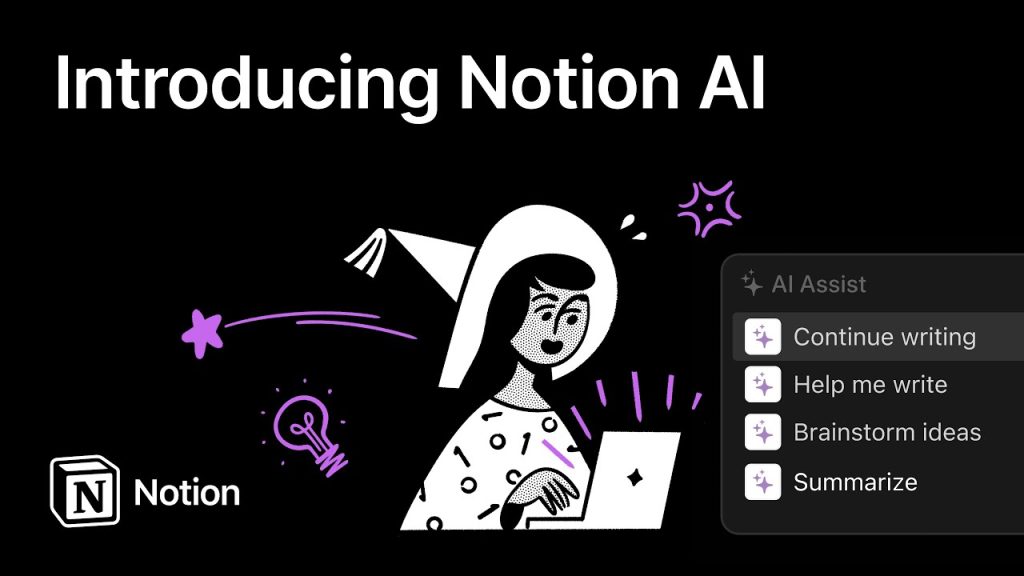
The “everything” workspace.
- The Free Plan: Unlimited blocks for individuals; limited access to “Notion AI” features.
- Best For: Organizing your entire life or business.
- Pros: The most flexible organization tool available.
- Cons: The specific “AI” add-on (Q&A, autofill) usually requires a separate paid add-on, though they offer limited free trials of it.
12. Otter.ai

An AI meeting assistant.
- The Free Plan: 300 monthly transcription minutes (30 mins per conversation).
- Best For: Recording and summarizing Zoom/Teams/Google Meet calls.
- Pros: Joins your meetings automatically and sends you notes.
- Cons: You cannot upload pre-recorded audio files on the free plan (only live recording).
💻 Coding & Automation
13. Cursor
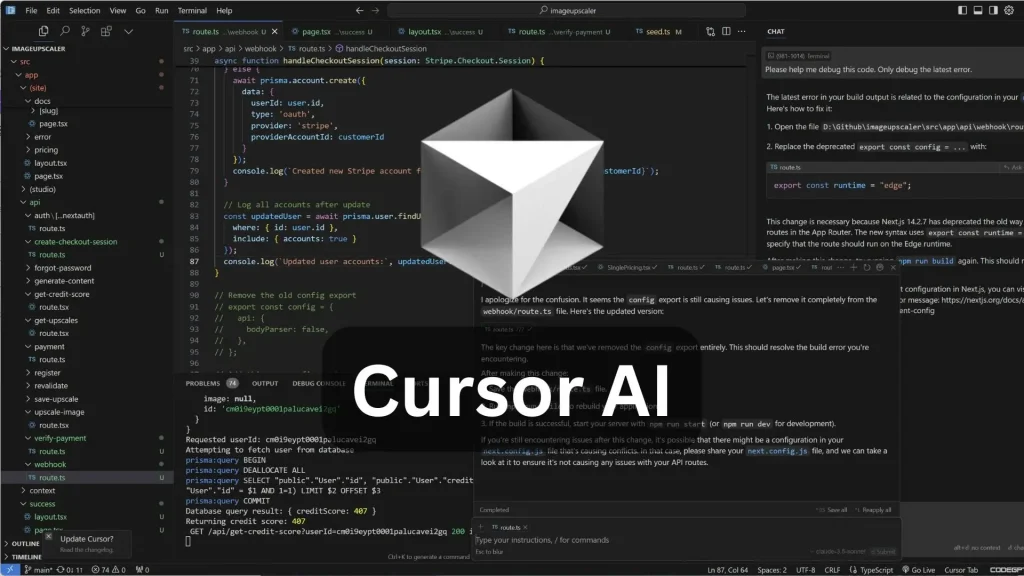
A code editor (fork of VS Code) with AI built into the core.
- The Free Plan: A generous free tier that includes access to their custom AI models for code completion.
- Best For: Software developers building complex apps.
- Pros: Often considered better than GitHub Copilot; allows “Tab” to autocomplete entire functions.
- Cons: Access to the most expensive models (Claude Opus) is limited on the free tier.
14. Zapier

The automation bridge between apps.
- The Free Plan: 100 tasks per month.
- Best For: Connecting OpenAI to your email, or your forms to Google Sheets.
- Pros: Makes AI useful by connecting it to real-world workflows.
- Cons: Multi-step Zaps (complex automations) require a paid plan.
15. Replit

An online coding environment.
- The Free Plan: Access to the Ghostwriter AI (basic) and cloud hosting for small projects.
- Best For: Beginners learning to code in Python or JS.
- Pros: No setup required; code directly in the browser with AI help.
- Cons: Projects go to sleep (inactive) quickly on the free tier.
Conclusion
The “Freemium” model is a trade-off: Quality vs. Quantity. With tools like ElevenLabs or ChatGPT, you are getting access to millions of dollars of R&D for $0, provided you can live with the usage caps.
For a serious creator or business owner, combining the Completely Free tools (from our previous article) with these Freemium Powerhouses is the ultimate strategy for 2026
You Might Also Like;