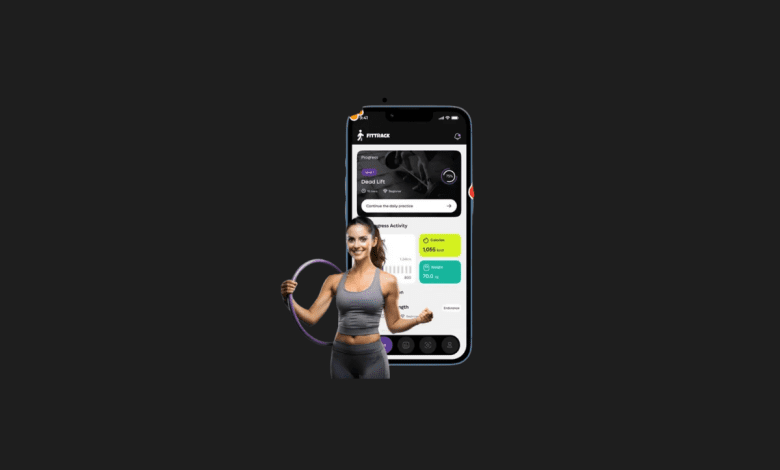

In the age of smart health and fitness, apps powered by artificial intelligence are changing how we eat, train, and live healthier. FitGenie AI is an AI-driven nutrition and fitness coaching platform that takes the guesswork out of meal planning, calorie tracking, and progress management. Unlike traditional apps that only count calories, FitGenie uses machine learning to adapt recommendations to your lifestyle, goals, and preferences.
What we loved most while testing FitGenie AI is its ability to create personalized meal plans that evolve with you. Instead of giving static diet rules, it tracks your progress and automatically adjusts your calorie intake and macronutrients. Whether you want to lose weight, build muscle, or maintain a healthy lifestyle, FitGenie feels like having a nutritionist in your pocket.
In this review, we’ll cover what FitGenie AI is, its key features, benefits, limitations, pricing, and how to use it effectively.
What is FitGenie AI?

FitGenie AI is an AI-powered nutrition and fitness app designed to make eating healthy and tracking progress easier. It uses algorithms that adapt to your metabolism, preferences, and results, so you always get a personalized plan that fits your lifestyle.
It’s perfect for:
- Fitness enthusiasts who want smarter nutrition guidance
- Athletes tracking macros for performance goals
- Anyone aiming for weight loss or muscle gain
- Busy individuals needing easy-to-follow meal plans
Key Features of FitGenie AI
- Adaptive Meal Planning: AI adjusts meal plans based on your progress.
- Macro Tracking: Automatically calculates protein, carbs, and fat needs.
- Smart Grocery Lists: Generates shopping lists tailored to your diet.
- Food Logging: Easy tracking with a large food database.
- Progress Monitoring: Tracks body composition and weight changes.
- Personalized Coaching: AI provides ongoing adjustments like a real coach.
- Meal Prep Guidance: Helps organize meals for the week.
Why We Enjoyed FitGenie AI
The standout feature of FitGenie AI is its adaptive intelligence. Most nutrition apps require constant manual updates, but FitGenie automatically recalculates your plan when progress stalls.


Other benefits include:
- Time-Saving: No more manual macro math.
- Budget-Friendly: Plans meals with cost efficiency in mind.
- Behavioral Focus: Encourages realistic, sustainable eating habits.
- Flexibility: Works for different diets (keto, vegan, high-protein, etc.).
Areas for Improvement
Like every tool, FitGenie AI has some limitations:
- Premium Features Locked: Full personalization requires a paid plan.
- Learning Curve: Can feel overwhelming at first for beginners.
- Food Database Gaps: Some regional foods may not be available.
- Limited Fitness Tracking: More focused on nutrition than exercise.
How to Use FitGenie AI
Getting started is simple:
- Download the FitGenie App from iOS or Android.
- Create a Profile: Enter goals, weight, activity level, and preferences.
- Receive a Plan: The AI generates a tailored meal plan and macros.
- Track Meals: Log daily food intake for accurate feedback.
- Follow Adjustments: Let the AI update your plan based on progress.
- Stay Consistent: The more you log, the better FitGenie adapts.
💡 Pro tip: Use FitGenie’s smart grocery list feature to save time and stay on track with weekly meal prep.
Final Verdict
FitGenie AI is a smart and adaptive nutrition coach that makes eating healthy simple, sustainable, and effective. By using AI to adjust meal plans in real-time, it ensures that your diet evolves with your progress and lifestyle.
Our favorite feature? The adaptive meal planning system, which automatically fine-tunes your nutrition as your body changes — just like a professional dietitian would. 🥗💪
You Might Also Like;