
Coding is no longer just about writing lines of code — it’s about speed, efficiency, and working across multiple programming languages. If you’ve ever switched between Python, JavaScript, and Java in a single project, you know how overwhelming it can get. That’s why CodeGeeX was built.
After testing it ourselves, what we loved most is how CodeGeeX supports over 20 programming languages and delivers accurate AI-powered code generation and translation. It’s not just an autocomplete tool — it’s a multilingual coding assistant that helps you write, understand, and even translate code seamlessly.
In this review, we’ll explore what CodeGeeX is, its main features, pros and cons, pricing, and how you can get started with it.
What is CodeGeeX?
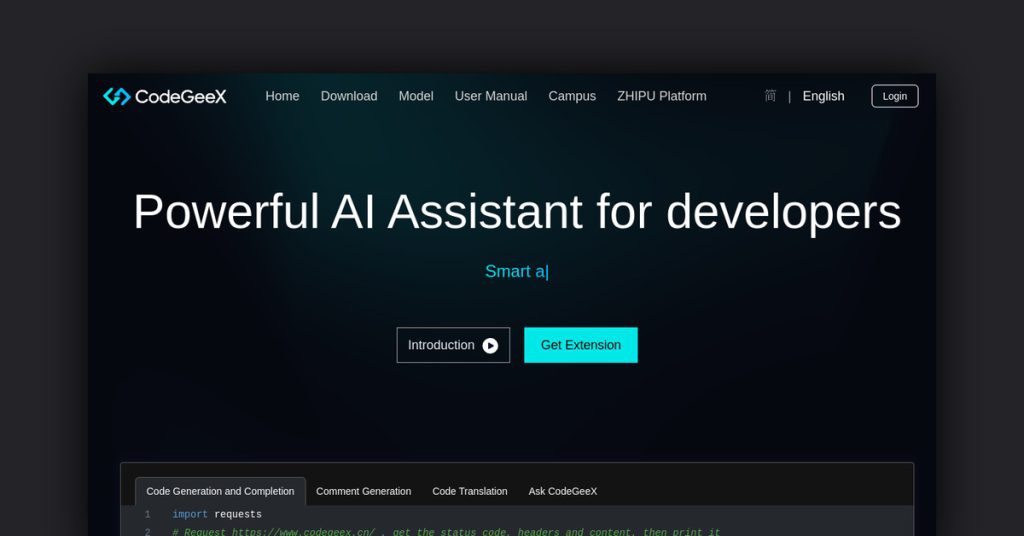
CodeGeeX is a large-scale AI model for code generation, completion, and translation. Developed as part of a research initiative, it has been trained on massive datasets covering multiple programming languages.
Unlike single-language tools, CodeGeeX stands out by offering cross-language support, making it ideal for projects that require flexibility and multilingual coding.
Key Features of CodeGeeX
- AI-Powered Code Generation: Writes functions and snippets based on context.
- Multilingual Support: Works with 20+ programming languages, including Python, Java, C++, Go, JavaScript, and more.
- Code Translation: Translates code from one language to another automatically.
- Context-Aware Completion: Suggests accurate lines of code as you type.
- Open Source Access: Available for research and development.
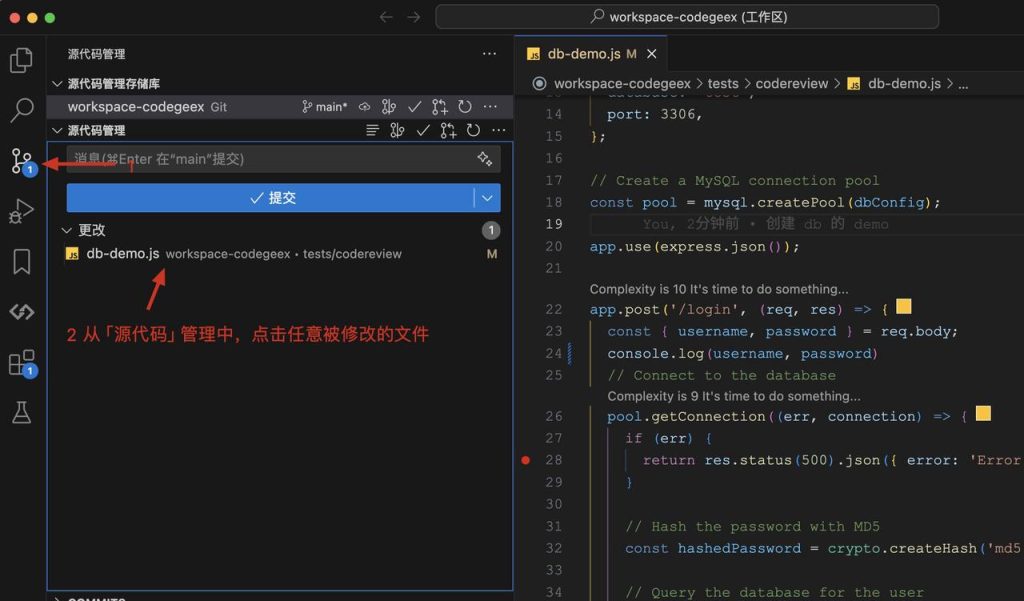
- IDE Plugins: Works with editors like VS Code for smooth integration.
Why We Enjoyed CodeGeeX
The feature we loved most is its multilingual capability. If you’re working with Python but need the same function in C++, CodeGeeX can translate it instantly. This makes it a game-changer for teams working across diverse tech stacks.

Other advantages include:
- Time Efficiency: Cuts down repetitive coding.
- Versatility: Supports a wide range of programming languages.
- Learning Tool: Great for beginners who want to see code equivalents in different languages.
- Research-Friendly: Being open source, it’s useful for experimentation.
Areas for Improvement
- Not Always 100% Accurate: Like most AI tools, suggestions may require fine-tuning.
- Requires Technical Setup: More complex than plug-and-play tools like Copilot.
- Limited Commercial Use Cases: Best suited for developers and researchers.
- Documentation Gaps: May need more user-friendly onboarding materials.
How to Access and Use CodeGeeX
Getting started with CodeGeeX is simple if you’re comfortable with development tools:
- Visit the Official Repository: Go to the CodeGeeX GitHub page.
- Set Up Environment: Install the model or plugin for your IDE (e.g., VS Code).
- Start Coding: Begin typing, and CodeGeeX will suggest completions in your chosen language.
- Try Code Translation: Convert code between different programming languages.
- Experiment and Learn: Use it as both a productivity booster and a study aid.
💡 Pro tip: If you’re managing multilingual projects, use CodeGeeX’s code translation feature to speed up migration and cross-language learning.
Final Verdict
CodeGeeX is a powerful AI tool for developers who need multilingual coding assistance. With its ability to generate, complete, and translate code across 20+ languages, it’s an excellent resource for both productivity and learning.
Our favorite part? Its seamless code translation that breaks down barriers between programming languages. Whether you’re a student, a professional developer, or a researcher, CodeGeeX is a valuable addition to your AI toolkit.
You Might Also Like;