
Smartphone screens now feature technologies that are more ideal for our eye health. It’s even possible to read e-books on them. So, which are the best e-book apps?
In recent years, e-books have become quite popular, standing out as digital books that can be read on devices like phones, tablets, or computers. Especially with the widespread adoption of OLED and AMOLED screens, it’s now possible to comfortably read e-books even in dark environments. E-books have also significantly reduced the costs of physical books, making them a frequently preferred technology by consumers.
Let’s explore some of the best e-book apps that will allow you to enjoy reading books on your phone, tablet, or computer. What’s more, these apps let you take notes, pick up where you left off, and personalize your reading experience.
Free e-book reader applications:
There are many apps available that offer a completely free e-book reading experience. Here are some of the most popular and useful free e-book apps:
Amazon Kindle
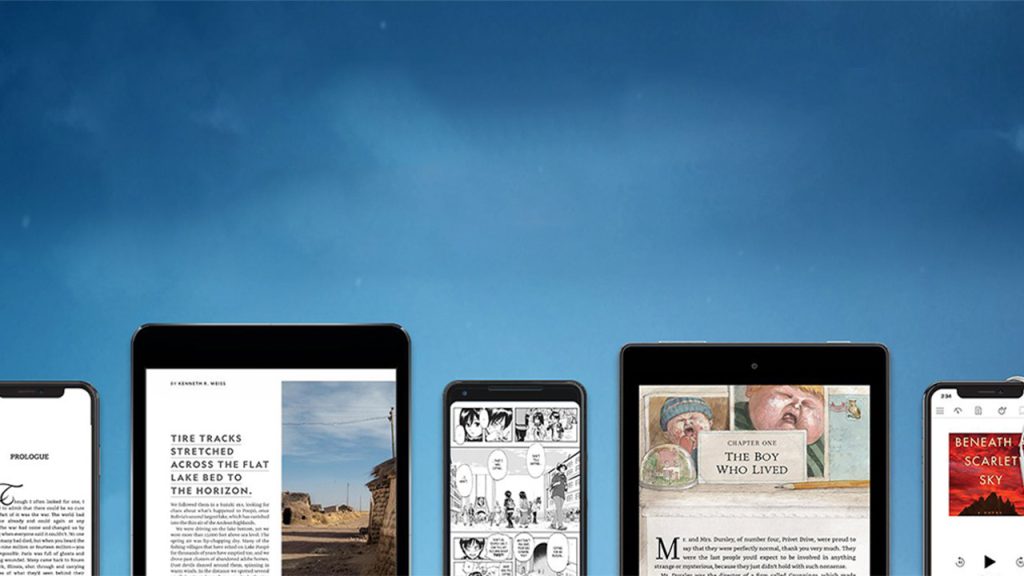
Amazon Kindle is one of the most popular e-book reader applications, offering thousands of e-books, comics, and magazines in its own store. While reading books in the app, you can take notes, bookmark pages, and pick up where you left off. These features also synchronize across different devices, meaning your progress won’t be lost even if you log in from another device.
Amazon Kindle Download for Android Download for iOS


Cantook by Aldiko
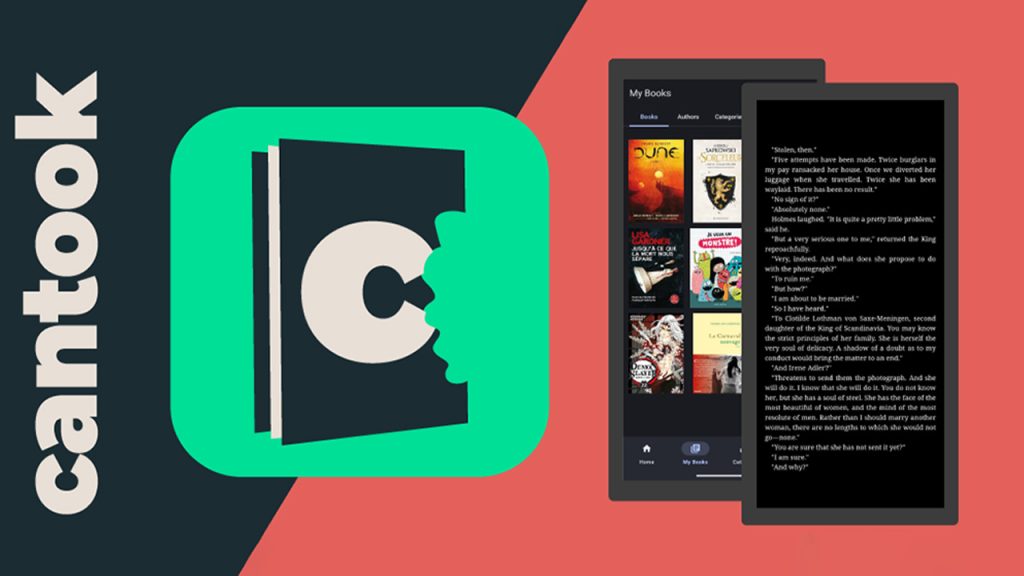
Cantook by Aldiko stands out as a lightweight and practical e-book app that supports PDF and ePub formats. You can import and read e-books purchased from different platforms into the app. You can also customize many features like font type, character size, and theme as you wish.
Cantook by Aldiko Download for Android Download for iOS
FBReader
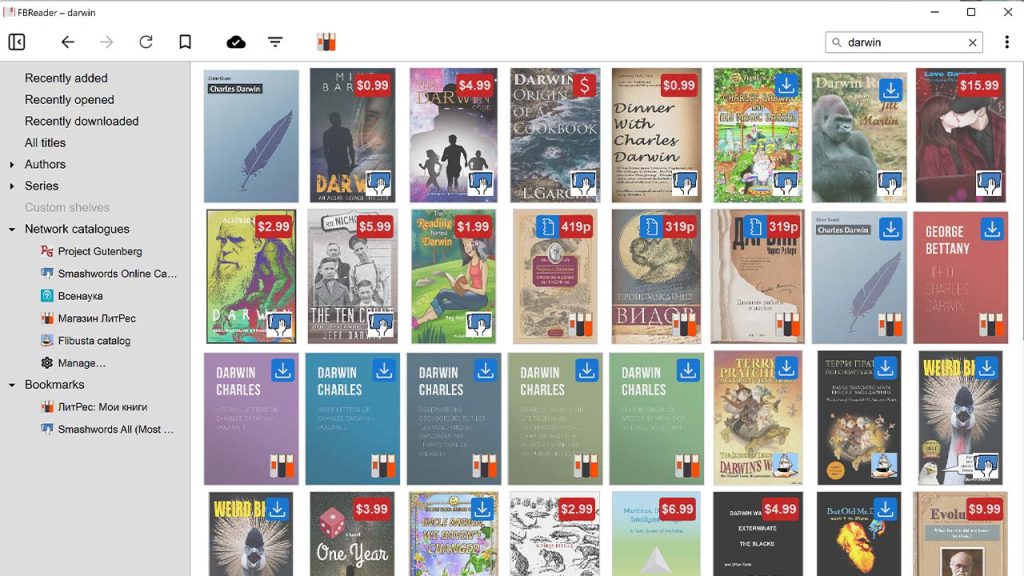
FBReader stands out with its wide range of supported file formats and cloud synchronization features, making it a user-friendly e-book app. You can access your book archive via Google Drive, synchronize your readings, and continue where you left off on different devices. It also offers small but enjoyable customizations, such as changing background colors.
FBReader Download for Android Download for iOS
ReadEra

Downloaded over 10 million times on Google Play Store and receiving a very high rating of 4.9/5 from its users, ReadEra supports almost every file format. Furthermore, you can read e-books without registering and completely offline. It’s a practical option where you can import different documents into the app and easily enjoy a reading experience.
ReadEra Download for Android Download for iOS
KyBook 3

Developed for iPhone users, KyBook 3 draws attention with its stylish interface and personalization options. You can easily adjust details like screen brightness, font size, and screen mode. You can also upload downloaded books to cloud storage like Google Drive or iCloud and neatly categorize them.
KyBook 3 Download for iOS
Moon+ Reader

Moon+ Reader stands out with thousands of free e-book archives and powerful customization options, making it a good choice especially for those who want to read English books. The app also supports purchased e-books and enriches the reading experience with features like highlighting, bookmarking, and note-taking. It also offers a night mode and more features with its Pro version. Note that this app is only for Android.
Moon+ Reader Download for Android
Librera
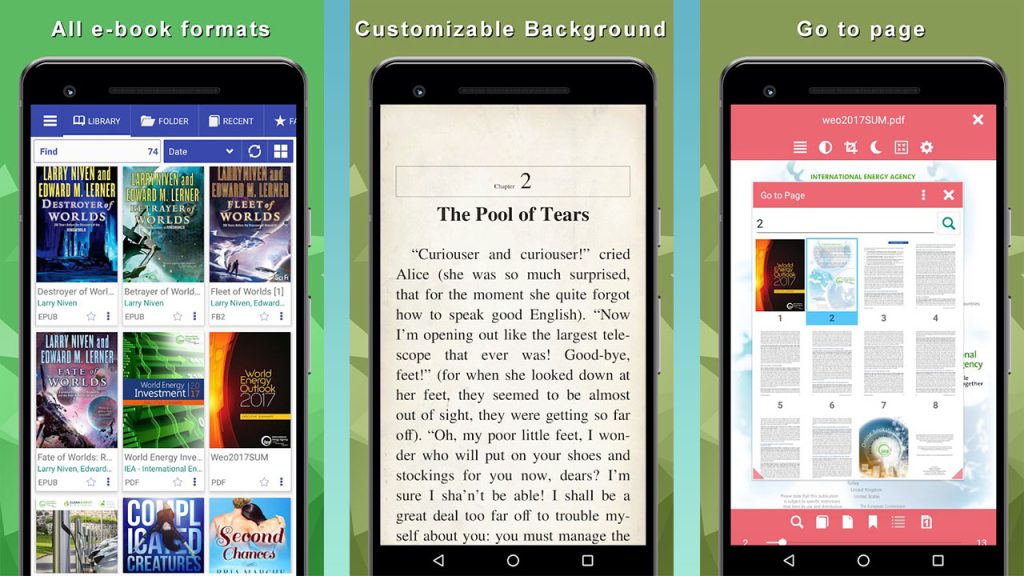
Librera, with its modern and stylish design, is a free application where you can easily read your e-books. Downloaded over 10 million times on Google Play Store, this app has many useful features such as text-to-speech, dictionary support, night mode, and font size adjustment. It also offers practical options for those who want to learn English.
Librera Download for Android
Kobo Books
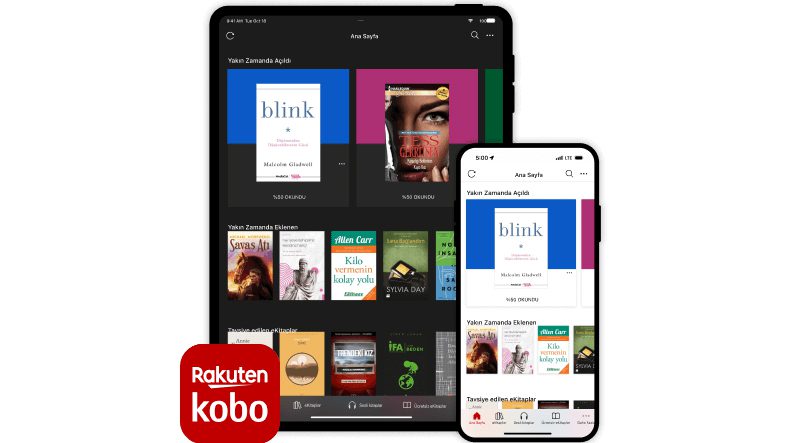
Containing over 4 million free e-books, Kobo Books offers a different experience with its social features. You can share quotes and notes from the books you read on social media, and even chat with others about e-books within the app. It’s ideal for those seeking both reading pleasure and a community experience.
Kobo Books Reading App Download for Android Download for iOS
Google Play Books
Google’s official book app, Google Play Books, offers support for both e-books and audiobooks. You can read books you’ve purchased or downloaded for free offline, take notes, highlight, and seamlessly sync your progress across devices. You can also create your own book archive by uploading PDF and ePub files. Don’t be fooled by the name; the app also has an iOS version.
Google Play Books & Audiobooks Download for Android Download for iOS
Apple Books
Apple Books, one of the best alternatives for iOS and macOS users, stands out with its elegant design and ease of use. The app offers thousands of free or paid books from its own store, as well as features like night mode, font, and brightness settings. Thanks to iCloud synchronization, your books are accessible across all your Apple devices. Unlike Google Play Books, Apple Books can only be used on Apple devices.
Apple Books Download for iOS
Thanks to these best e-book apps for Android and iPhone (iOS), you can read books anywhere you want, take notes, and personalize your reading habits. With these free and practical solutions, you can easily dive into books on the bus, at home, or outdoors. If you have any other e-book app recommendations, don’t forget to share them with us in the comments!
You Might Also Like;