3DMakerpro Seal 3D Scanner Review: Industrial Precision in Your Pocket

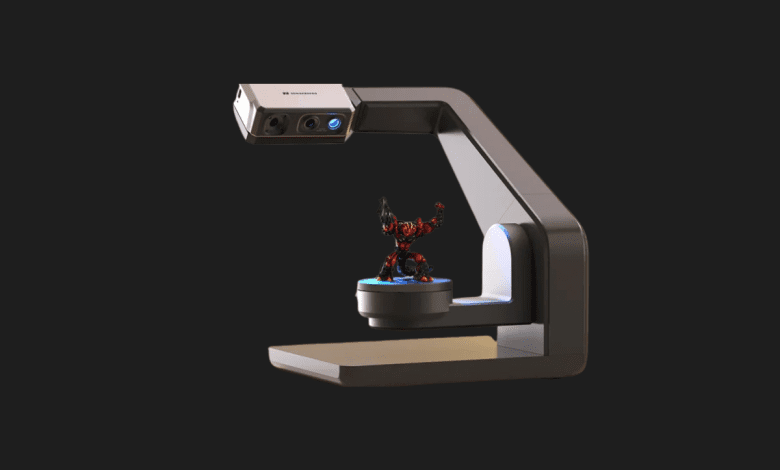

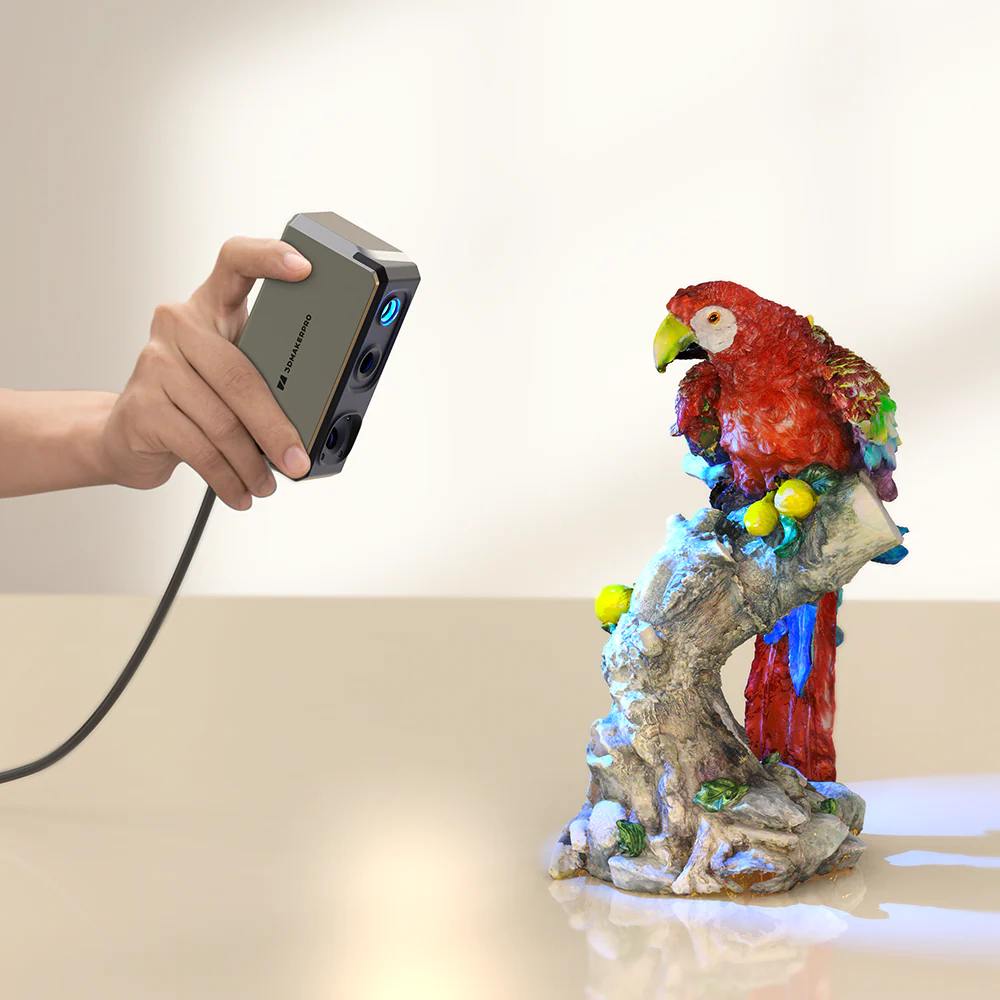
When I first unboxed the 3DMakerpro Seal, I honestly couldn’t believe this tiny device was a professional-grade 3D scanner. It looks more like a premium action camera than a piece of industrial metrology equipment. For years, getting 0.01mm accuracy meant spending thousands of dollars or dealing with bulky, tripod-dependent machines. The Seal changes that narrative completely. After spending two weeks scanning everything from intricate jewelry to mechanical engine parts, I’m ready to share why this might be the most important release in the consumer 3D scanning market this decade.
Pros & Cons
- ✅ Unmatched Precision: 0.01mm accuracy is industry-leading for a scanner at this price point.
- ✅ Extreme Portability: Weighing only 254g, it fits in your pocket and is perfect for handheld use.
- ✅ Blue Light Tech: Uses a shorter wavelength than standard scanners, capturing much finer details on dark or metallic surfaces.
- ❌ Small Scan Volume: It is specifically designed for small objects; don’t expect to scan a car or a large sofa.
- ❌ Software Learning Curve: While JMStudio is improving, it still takes time to master the alignment and mesh processing.
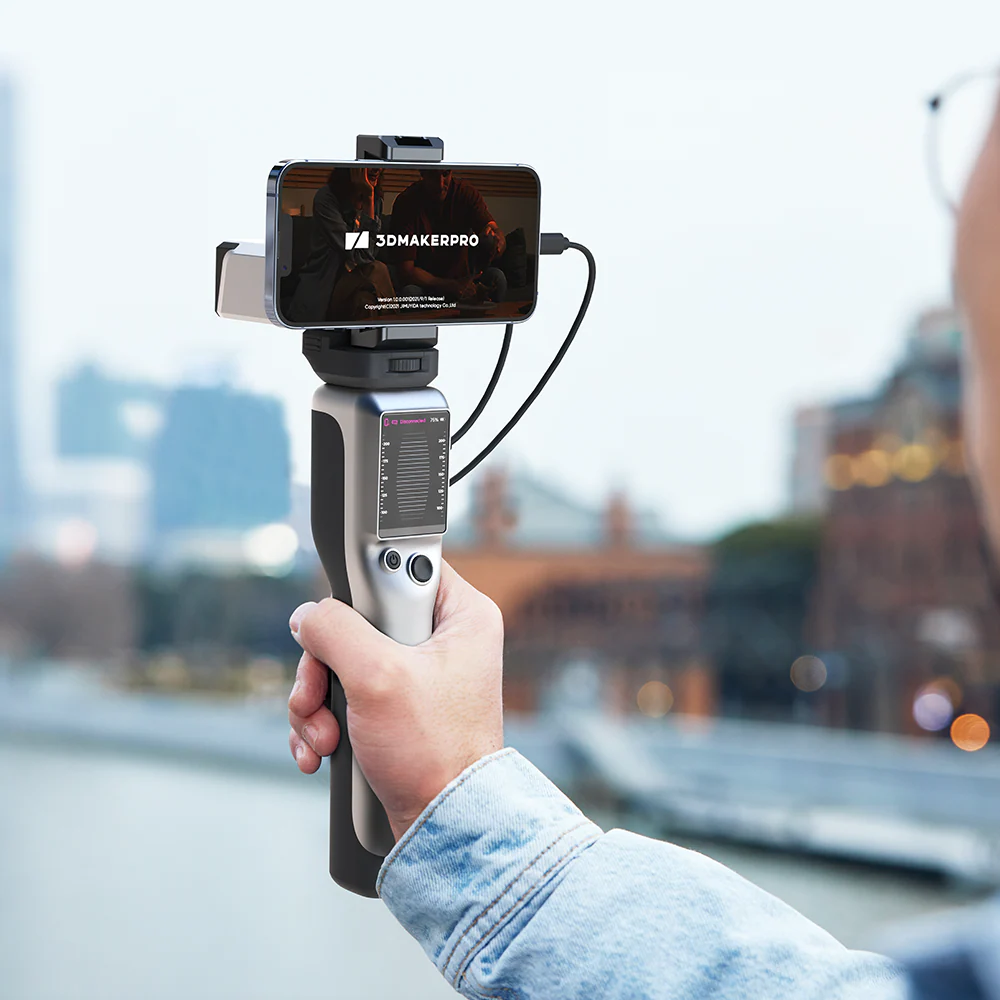
- ❌ Cable Management: Unless you buy the multi-purpose grip/battery pack, the cables can feel a bit restrictive during handheld scans.
Technical Specifications
| Feature | Details |
|---|---|
| Accuracy | 0.01 mm |
| Resolution | 0.05 mm |
| Light Source | Blue Light (Encoded) |
| Weight | 254g |
| Frame Rate | 10 fps |
| Connection | USB-C / Wireless (Optional) |
My Experience: Industrial Quality in a Tiny Shell
Testing the 3DMakerpro Seal was a revelation in how far “Blue Light” technology has come. Unlike the standard white light or infrared scanners I’ve used in the past, the Seal uses a shorter wavelength blue light. I noticed immediately that this allowed it to pick up textures that other scanners simply blurred out. I tested it on a small, weathered copper coin, and the resulting mesh captured even the micro-scratches on the surface. For someone into miniature painting or small-scale engineering, this level of detail is a game-changer.
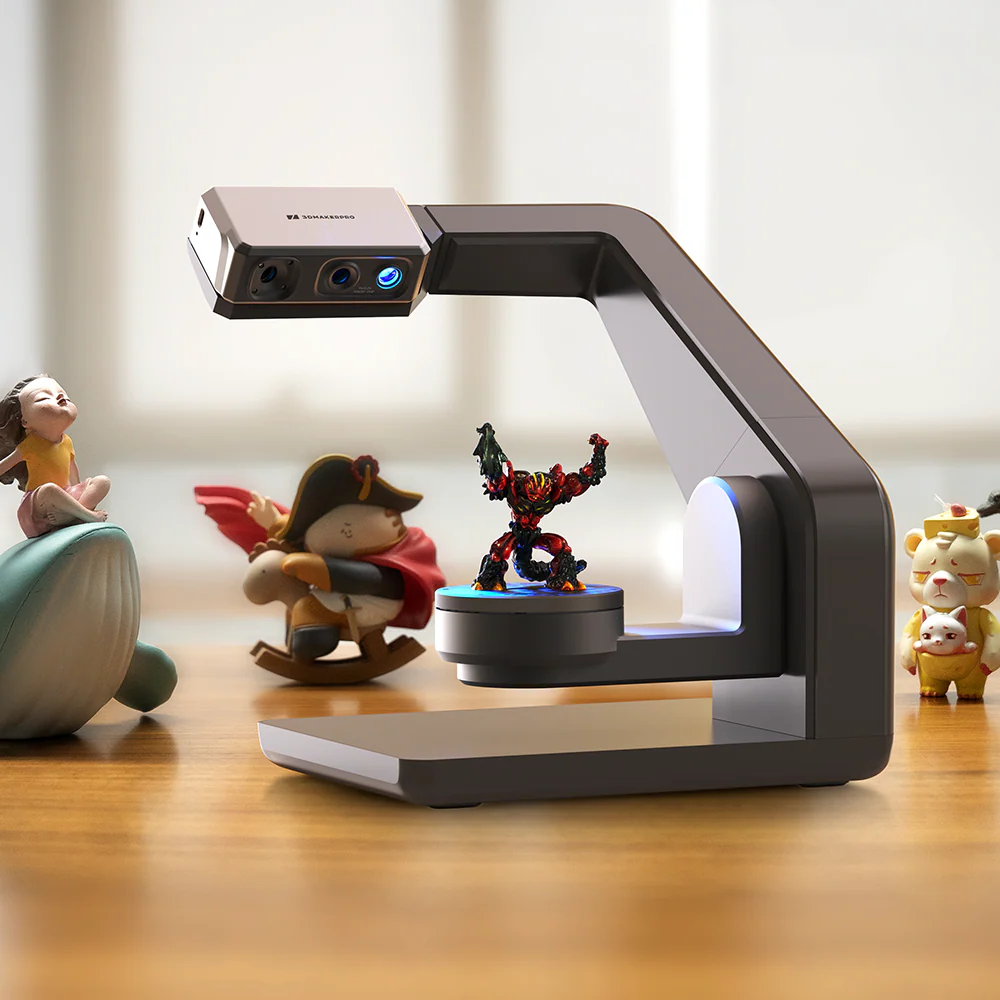
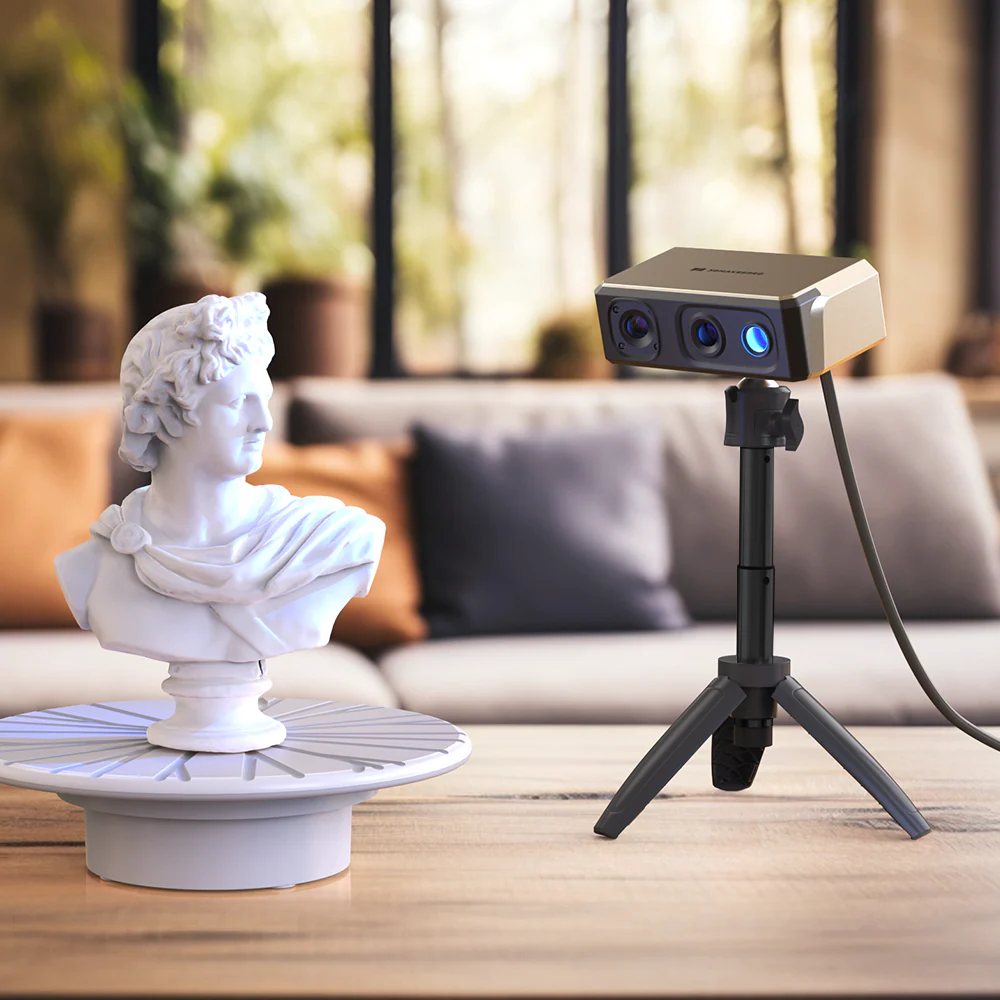
The hardware itself feels incredibly premium. It has an aluminum alloy body that stays cool even during long scanning sessions. During my “handheld” test, I found the AI-powered tracking to be surprisingly forgiving. Usually, if you move too fast, a scanner will lose its “position,” and you have to start over. The Seal’s internal IMU and software algorithms do a great job of keeping the scan aligned even if your hand shakes slightly. However, for the absolute best results—especially when aiming for that 0.01mm accuracy—using a tripod and the automated turntable is the way to go.
I did run into some hurdles with the JMStudio software. While it’s powerful and allows for easy export into OBJ or STL formats for 3D printing, the interface can feel a bit cluttered for a beginner. I had to watch a few tutorials to understand how to properly “align” multiple scans when I had to flip an object over to capture the bottom. Once it clicks, though, the processing speed is impressive. I was able to turn a raw point cloud into a water-tight mesh ready for my 3D printer in about 5 minutes.
The real magic happens when you use it for reverse engineering. I scanned a broken plastic clip from my car’s interior. The Seal captured the geometry so perfectly that I was able to bring the file into Fusion 360, “clean it up,” and print a replacement that fit perfectly on the first try. That’s where the value lies—not just in “copying” objects, but in giving you a digital foundation for real-world repairs and design.
Who is this for? / Alternatives
The 3DMakerpro Seal is built for hobbyists, jewelers, and engineers who work with small-to-medium objects. If you are into 3D printing miniatures or need to digitize mechanical parts for CAD work, this is your best bet. If you need to scan larger items like car body kits or furniture, you might find the field of view too narrow.

Alternatives:
- Creality CR-Scan Otter: A better choice for larger objects, though it lacks the extreme micro-precision of the Seal’s blue light tech.
- Revopoint MINI 2: A direct competitor that also offers high precision, though many find the Seal’s build quality and AI tracking slightly superior.
Quick FAQ
Do I need a powerful PC to use the Seal?Yes, 3D scanning is resource-intensive. You’ll want at least 16GB of RAM and a dedicated GPU for a smooth experience when processing high-resolution meshes.
Can it scan black or shiny objects?The blue light technology handles dark and shiny surfaces better than infrared, but for extremely reflective chrome, I still recommend using a matte scanning spray for the best results.
Is there a difference between the Seal and Seal Lite?Yes, the standard Seal features better accuracy (0.01mm vs 0.02mm) and a more premium metal body compared to the plastic Lite version.
3DMakerpro Seal Review
Product Images
You Might Also Like;