The world of 3D design is undergoing a massive transformation. Just as AI changed 2D image creation, Generative AI is now revolutionizing how we create three-dimensional assets. Whether you are a game developer, a VR enthusiast, or a hobbyist, using text-to-3D technology can save you countless hours of modeling time.
Below, we explore 5 powerful AI tools that turn simple text prompts into fully fully-fledged 3D models.
1. Meshy

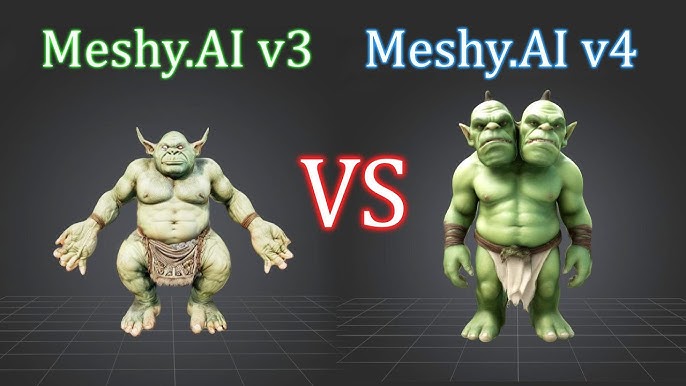
Meshy is rapidly becoming a favorite for developers and artists who need fast, high-quality 3D assets with PBR (Physically Based Rendering) textures. It is designed to speed up the 3D content creation pipeline.
- Best For: Game assets and rapid prototyping.
Key Features
- Text to Texture: Not only does it create the shape, but it also generates high-quality textures.
- Image to 3D: You can upload a concept art image, and Meshy will turn it into a 3D model.
- High-Quality Export: Supports standard formats like .obj, .glb, and .usdz.
How to Use
- Sign up on the Meshy web app.
- Select “Text to 3D.”
- Enter a detailed prompt (e.g., “A futuristic cyberpunk helmet, worn out metal”).
- Wait for the AI to generate a preview, then refine or download.
Pros & Cons
| Pros | Cons |
| Fast generation speed | Mesh topology may need manual cleanup for animation |
| Excellent texture quality | Limited free credits daily |
| User-friendly interface |
Pricing
- Free: Daily credits for basic generation.
- Pro: Starts around $16/month for faster processing and commercial usage rights.
2. Spline AI

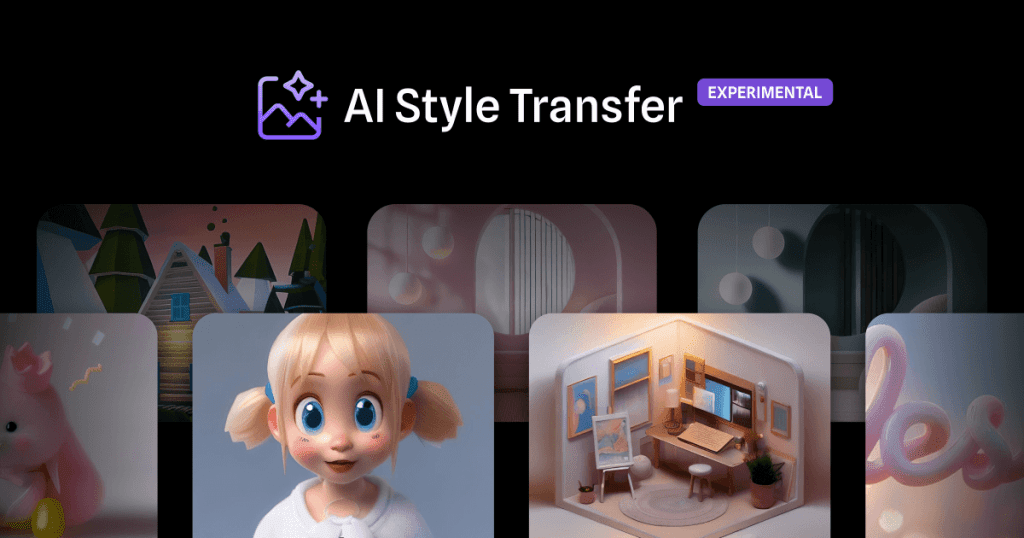
Spline is a popular web-based 3D design tool, and its AI integration allows users to generate objects and scenes using prompts. It is incredibly useful for web design and interactive 3D experiences.
- Best For: Web designers and interactive 3D scenes.
Key Features
- Parametric Editing: Unlike other tools that give you a static mesh, Spline allows you to edit the generated objects easily.
- Real-time Collaboration: Works directly in the browser with team capabilities.
- Animation Integration: You can easily animate the models you generate.
How to Use
- Open a new file in Spline.
- Click on the AI assistant/prompt bar.
- Type a command like “Create a 3D isometric room with a wooden desk.”
- The AI builds the scene, which you can then modify manually.
Pros & Cons
| Pros | Cons |
| Great for non-modelers | Geometric complexity is lower compared to specialized sculptors |
| Seamless integration with web projects | AI features are often gated behind subscriptions |
| Editable layers |
Pricing
- Free Plan: Basic access to Spline.
- Super Plan: ~$24/month (includes AI features and priority support).
3. Luma AI (Genie)

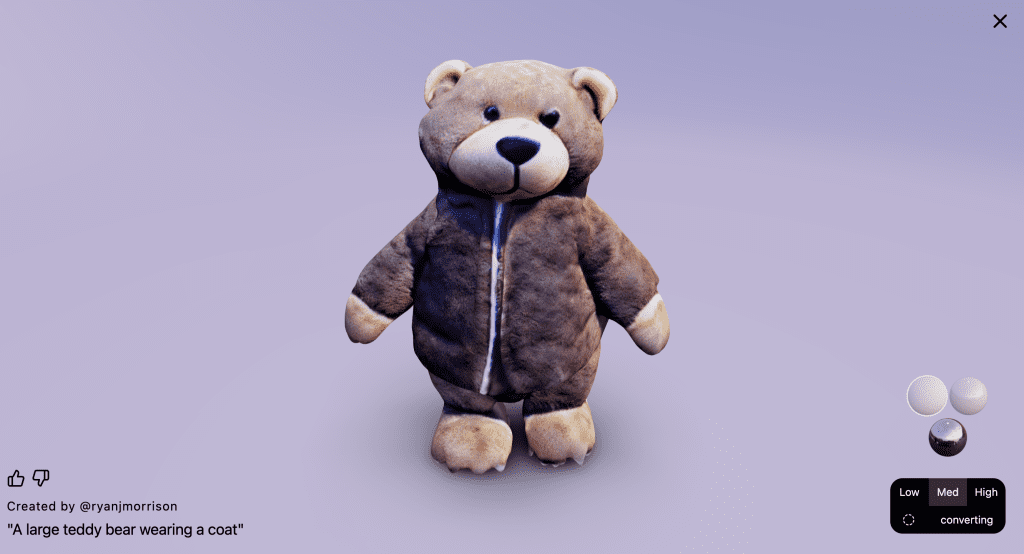
Luma AI is famous for its NeRF (Neural Radiance Fields) technology, but their “Genie” tool is a powerhouse for creating 3D models from text. It is accessible via the web and Discord.
- Best For: High-fidelity assets and ease of access.
Key Features
- High Poly Generation: Capable of creating detailed geometry.
- Quad Mesh Export: Offers cleaner topology than many competitors, making it easier to use in software like Blender or Maya.
- Discord Community: You can generate models directly inside their Discord server.
How to Use
- Go to the Luma AI website or join their Discord.
- Use the command
/geniefollowed by your prompt. - Choose the best variation from the 4 options provided.
- Download in .glb format.
Pros & Cons
| Pros | Cons |
| Very high ease of use | Textures can sometimes look blurry |
| Fast iteration (4 variations at once) | Control over specific details is limited |
| Good compatibility with game engines |
Pricing
- Free: Currently offers generous free generation capabilities.
- Paid: API access and high-volume generation plans available.
4. Tripo AI

Tripo AI focuses on speed and volume. It allows users to generate drafts incredibly quickly and recently introduced features to refine models into higher quality.
- Best For: Brainstorming and quick draft assets.
Key Features
- Draft to High-Res: Generate a quick rough draft, pick your favorite, and upscale it.
- Animation Ready: Auto-rigging features are being developed to make characters move instantly.
- API Availability: Great for developers wanting to integrate 3D generation into their own apps.
How to Use
- Enter the prompt in the text box.
- The AI generates a model in seconds.
- Use the “Refine” button to smooth out the geometry and improve textures.
Pros & Cons
| Pros | Cons |
| Extremely fast generation | Initial drafts can be low resolution |
| Innovative auto-rigging features | Requires “refining” to get usable quality |
Pricing
- Free: Basic trial usage.
- Professional: Subscription based, focusing on credit packs for high-res downloads.
5. CSM (Common Sense Machines)

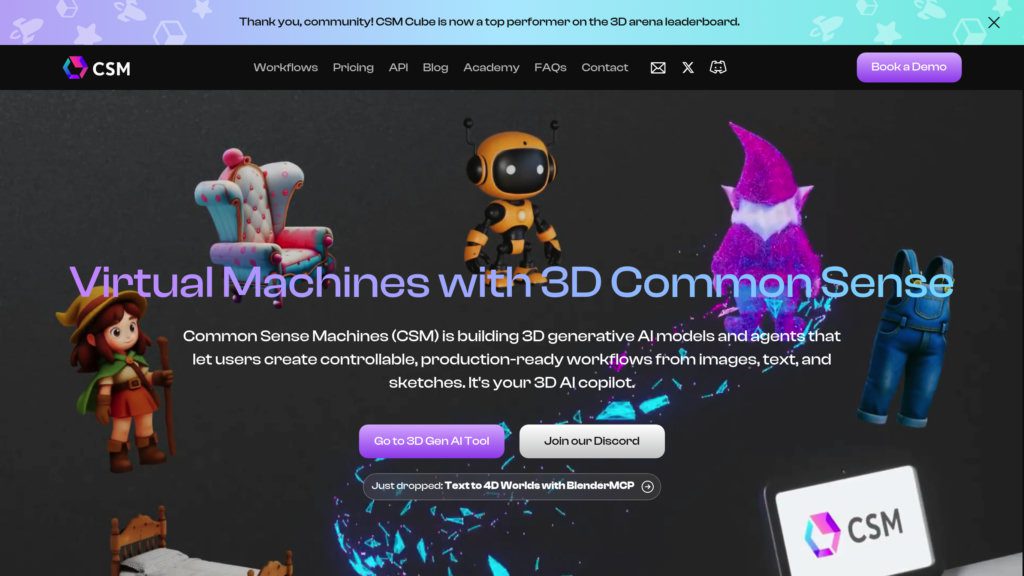
CSM takes a slightly different approach with its “Cube” platform. It aims to create game-ready assets that require little to no manual cleanup. It excels in turning single images into 3D, but handles text-to-3D via intermediate steps well.
- Best For: Game developers looking for a “World-to-3D” pipeline.
Key Features
- Cube 2.0 Engine: Advanced geometry processing for sharper edges.
- 3D Preview: Robust viewer to inspect the model before downloading.
- Seamless Texturing: Applies consistent UV mapping automatically.
How to Use
- For text-to-3D, you often generate an image first (using Midjourney or DALL-E) and upload it to CSM, or use their native prompt tool.
- CSM processes the input into a 3D mesh.
- Download the asset in standard formats compatible with Unity or Unreal Engine.
Pros & Cons
| Pros | Cons |
| High-quality geometry | Slower processing time than others |
| Professional-grade output | Interface can be complex for beginners |
Pricing
- Free: Limited “Maker” plan.
- Pro: ~$20/month for faster queues and commercial licensing.
Comparison Summary
| Tool | Best Feature | Pricing Model | Skill Level |
| Meshy | Texturing & PBR | Freemium | Intermediate |
| Spline AI | Web Integration | Subscription | Beginner |
| Luma Genie | Ease of Use | Free / Paid API | Beginner |
| Tripo AI | Speed | Freemium | Intermediate |
| CSM | Game-Ready Assets | Freemium | Advanced |
Conclusion
The technology for text-to-3D generation is moving fast. While these tools may not yet replace a senior 3D character artist for hero assets, they are incredible for populating scenes, creating background props, and rapid prototyping. For Metaverse creators, these AI tools are essential for building immersive worlds quickly and efficiently.
Would you like me to create a specific prompt for one of these tools so you can test it immediately?
You Might Also Like;
- Real-Life Transformers: China’s New Modular Flying Car Just Took Off
- The $40 Billion Typo: How One Click Turned 700 People into Instant Billionaires
- 3D Printing Just Got a ‘Muscle’ Upgrade: The End of Rigid Robots?
-

-

-
-

-
-
-
-

-
-

-
-