In the rapidly evolving world of artificial intelligence, privacy and control are becoming paramount. Running AI tools locally on your own PC not only protects your data but also eliminates monthly subscription fees. Whether you are a developer, a content creator, or a tech enthusiast, open-source tools allow you to harness the power of AI offline.
Here are the top 10 open-source AI tools you can download and run on your computer today.
1. LM Studio

Best For: Beginners wanting to run LLMs (Large Language Models) easily.
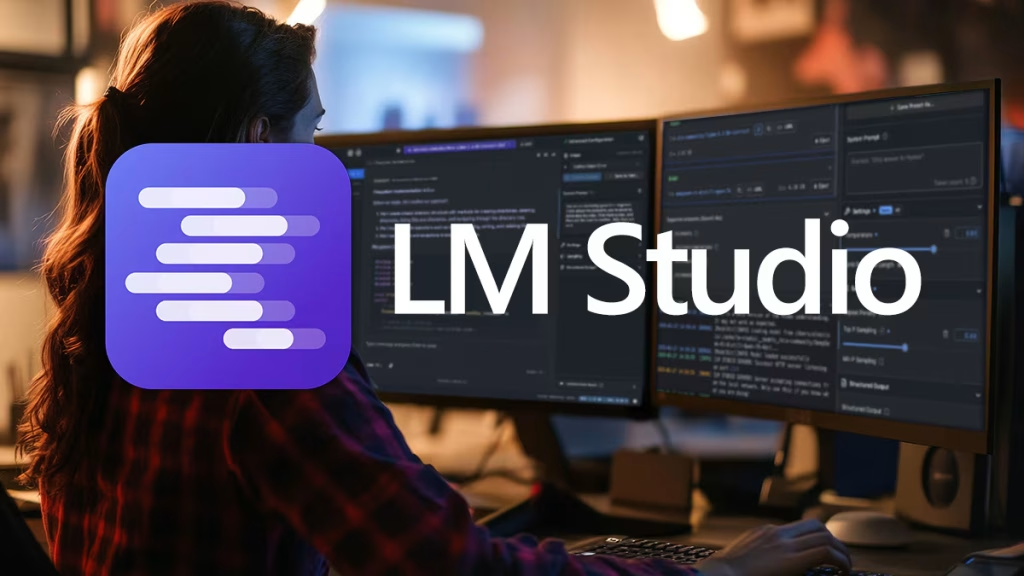
LM Studio is the most user-friendly way to run models like Llama 3, Mistral, and Gemma on your laptop. It features a clean interface that allows you to search for models from Hugging Face and chat with them immediately. It handles the complex setup for you, making it accessible even if you don’t know how to code.
- Key Feature: Drag-and-drop model loading and a ChatGPT-like interface.
- Compatibility: Windows, macOS, Linux.
2. Ollama

Best For: Developers and command-line enthusiasts.
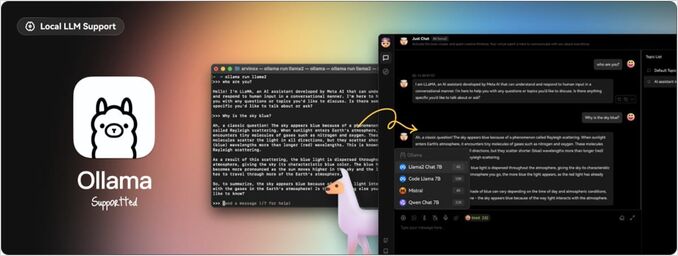
Ollama has become the standard for running LLMs locally on Linux and macOS (with a Windows preview available). It is incredibly lightweight and allows you to get an AI model running with a single command in your terminal. It is widely supported by other apps, acting as a backend for many local AI interfaces.
- Key Feature: Simple library management (e.g.,
ollama run llama3). - Compatibility: macOS, Linux, Windows.
3. Stable Diffusion WebUI (Automatic1111)


Best For: Advanced AI Image Generation.
If you want to generate images without paying for Midjourney, Automatic1111 is the gold standard. It provides a browser-based interface for Stable Diffusion, offering granular control over every aspect of image generation, from specific artistic styles to upscaling.
- Key Feature: Extensive plugin and extension ecosystem (ControlNet, LoRA).
- Compatibility: Windows, macOS, Linux.
4. GPT4All

Best For: Running AI on computers without powerful GPUs.
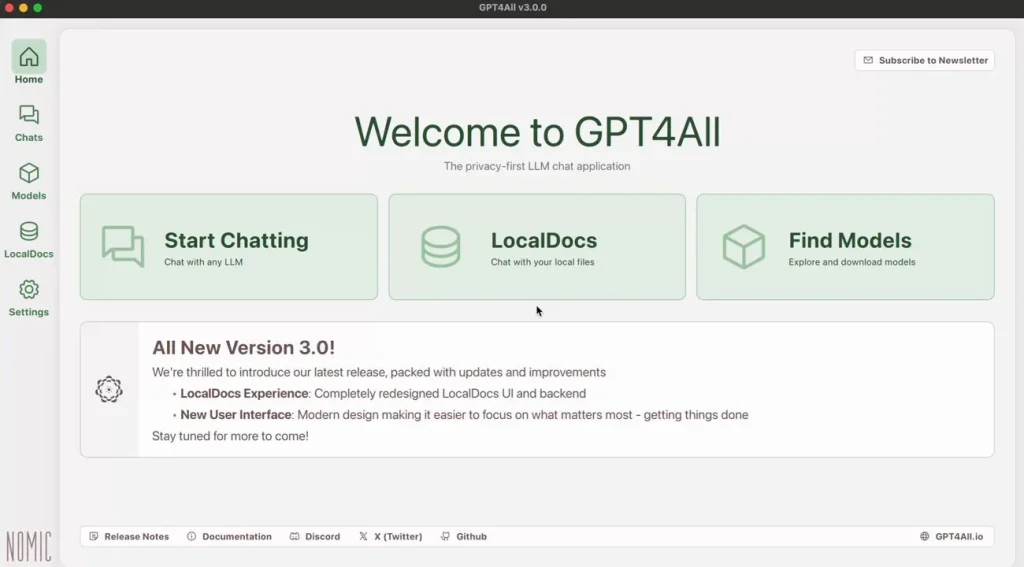
Not everyone has a high-end NVIDIA graphics card. GPT4All is an open-source ecosystem designed to run on standard consumer CPUs (processors). It is optimized to be fast and efficient, allowing you to chat with local documents and models without needing expensive hardware.
- Key Feature: Optimized for CPU performance; works on almost any modern laptop.
- Compatibility: Windows, macOS, Linux.
5. Pinokio

Best For: One-click installation of complex AI tools.
Installing open-source AI tools can sometimes be difficult, involving Python scripts and dependencies. Pinokio acts like a browser that lets you install, run, and manage various AI applications (like FaceFusion, Voice cloning tools, etc.) with a single click. It automates the entire installation process.
- Key Feature: No-code installation for dozens of complex AI scripts.
- Compatibility: Windows, macOS, Linux.
6. PrivateGPT

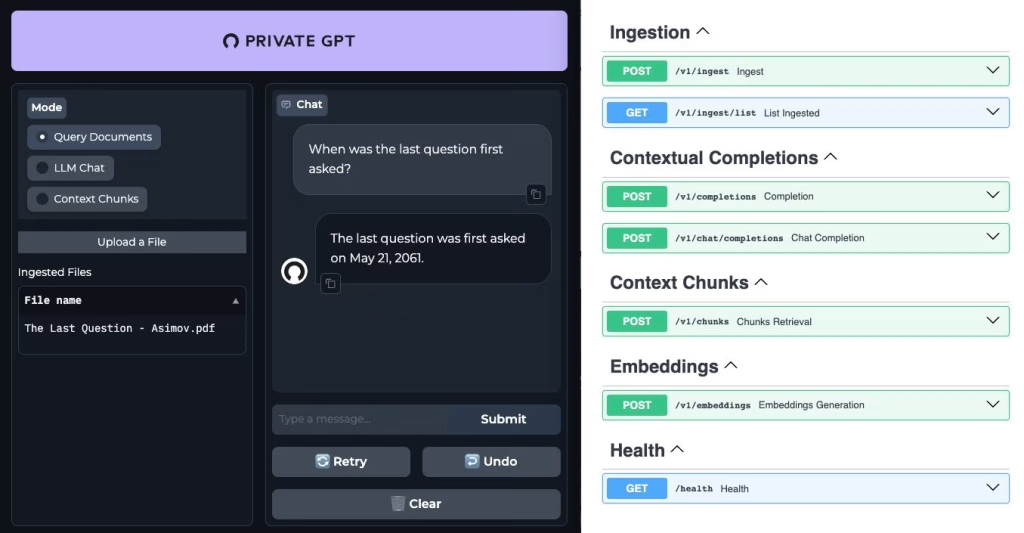
Best For: Chatting with your own documents securely.
PrivateGPT is designed specifically for privacy. It allows you to ingest your own files (PDFs, text files, emails) and ask questions about them using an offline LLM. Unlike cloud tools, your data never leaves your computer, making it perfect for sensitive business or personal documents.
- Key Feature: 100% offline document analysis and Q&A.
- Compatibility: Windows, macOS, Linux.
7. ComfyUI
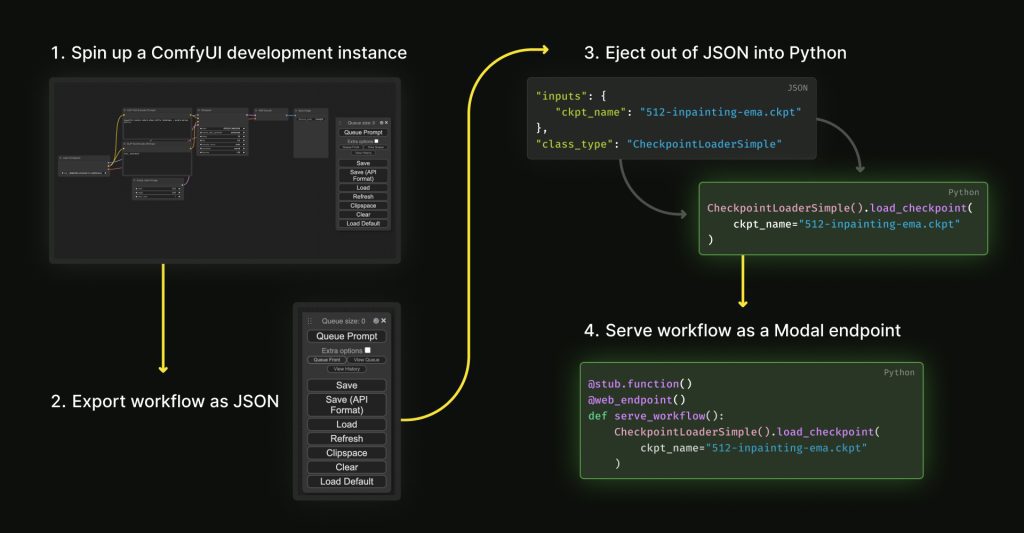
Best For: Professional AI Image Workflows.
ComfyUI is a powerful, node-based interface for Stable Diffusion. While it has a steeper learning curve than Automatic1111, it allows for incredibly complex and precise image generation workflows. It is faster and uses less VRAM (video memory), making it a favorite among power users.
- Key Feature: Visual node-based graph system for complete workflow control.
- Compatibility: Windows, macOS, Linux.
8. Whisper (OpenAI)

Best For: Speech-to-Text and Transcription.
Although developed by OpenAI, the Whisper model is open source. You can run it locally to transcribe audio files with near-human accuracy. Various open-source implementations (like whisper.cpp) allow it to run incredibly fast on local hardware without sending audio to the cloud.
- Key Feature: Supports multiple languages and translates them into English.
- Compatibility: Cross-platform (via command line or various GUI wrappers).
9. Upscayl

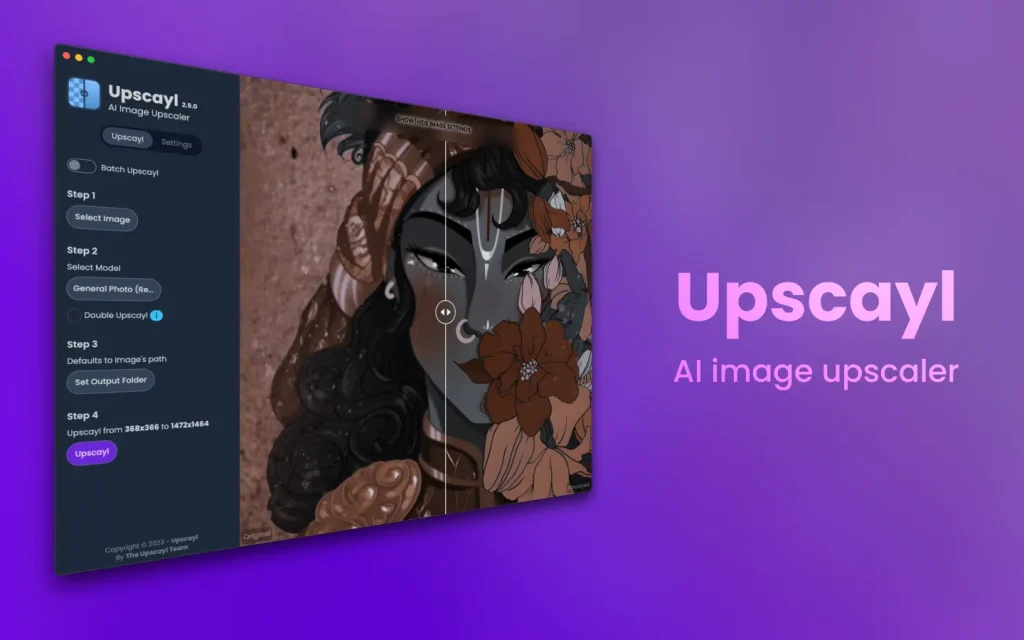
Best For: Enhancing and upscaling low-resolution images.
Upscayl is a free and open-source AI image upscaler. It allows you to take small, blurry images and turn them into high-definition, crisp photos using AI models. It is essential for photographers and designers who need to improve image quality locally.
- Key Feature: Simple drag-and-drop interface for 4x or 8x upscaling.
- Compatibility: Windows, macOS, Linux.
10. Jan
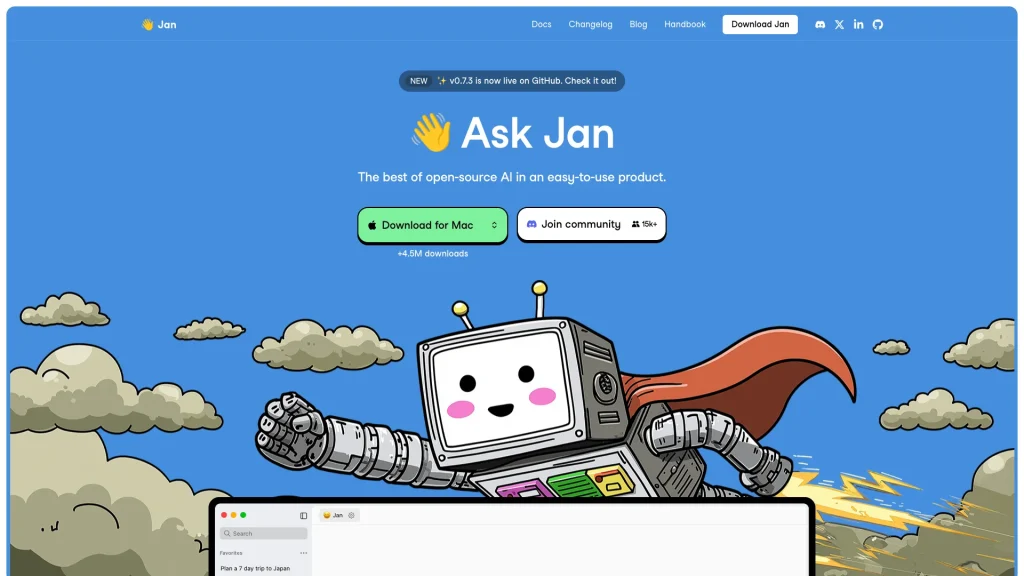
Best For: A clean, open-source alternative to LM Studio.
Jan is an emerging tool that turns your computer into an AI machine. It runs 100% offline and stores your data in a standardized file format. It serves as both a client (for chatting) and a server (for developers), offering a robust and private AI experience.
- Key Feature: Local-first design with an OpenAI-equivalent API server built-in.
- Compatibility: Windows, macOS, Linux.
Why Choose Local AI?
- Privacy: Your data never leaves your device.
- Cost: No monthly subscription fees.
- Offline Access: Works without an internet connection.
- Customization: You control the models and the settings.
Start building your own AI lab today by downloading these open-source tools!
You Might Also Like;
- Is Game Over for Game Devs? Google’s Project Genie Shakes the Industry
- From Joyrides to Lunar Landings: Why Bezos Paused the Fun
- The Soft Side of Robotics: Why Sprout is the “Baymax” We Actually Need
-

-

-

-
-
-
-

-
-
-

-
-