As developers, we often write code that works perfectly but is hard to explain to teammates, clients, or even to our future selves. Documentation is usually the least favorite part of software development — time-consuming, repetitive, and sometimes neglected altogether. That’s where Mutable AI steps in.
After trying it ourselves, what we loved most is how Mutable AI automatically explains code in clear, human-readable language. Instead of wasting hours writing documentation, you get instant, natural-language explanations of your functions, making collaboration and learning so much easier.
In this review, we’ll look at what Mutable AI is, its main features, advantages, drawbacks, pricing, and how developers can start using it effectively.
What is Mutable AI?

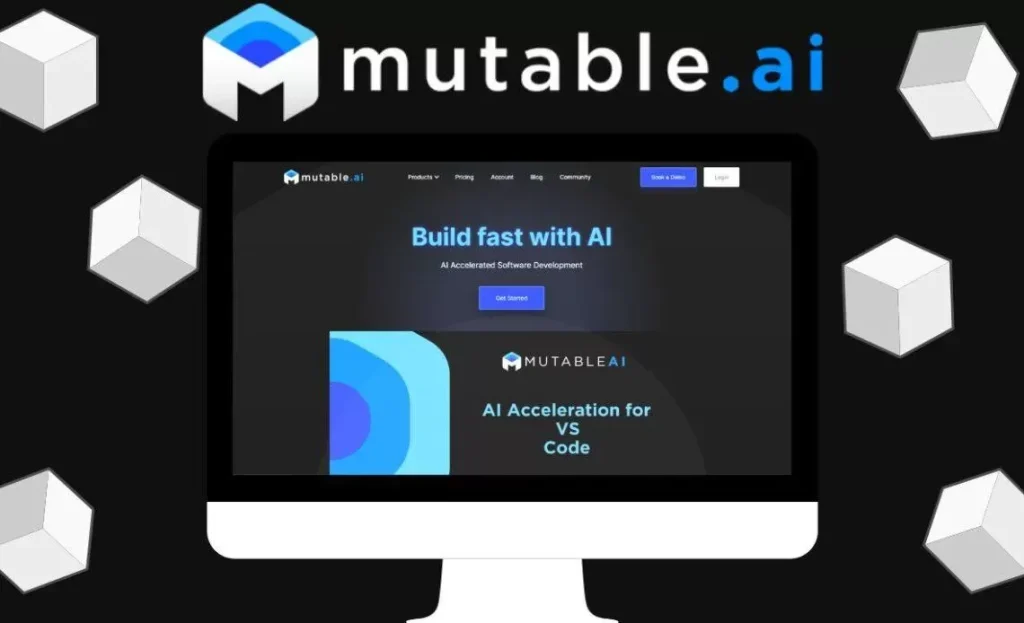
Mutable AI is an AI-powered coding assistant focused on making code understandable and maintainable. Unlike other AI tools that mainly focus on generating code, Mutable AI specializes in code explanation, documentation, and readability improvements.
It’s designed to help developers, teams, and even students quickly understand complex codebases without spending hours deciphering logic.
Key Features of Mutable AI


- Code Explanation: Converts complex code into natural, human-friendly language.
- Automatic Documentation: Generates inline comments and function-level documentation.
- Collaboration-Friendly: Makes it easier for teams to share and understand code.
- Educational Tool: Helps students learn programming concepts faster.
- Integration Options: Can work alongside popular IDEs and workflows.
- Readable Code Transformation: Improves formatting and clarity.
Why We Enjoyed Mutable AI
The best thing about Mutable AI is its ability to bridge the gap between code and natural language. If you inherit a messy project or dive into unfamiliar code, you can instantly understand what’s happening without spending hours debugging line by line.
Other benefits include:
- Time-Saving: Cuts down documentation workload.
- Improved Collaboration: Perfect for team projects.
- Learning Support: Great for beginners learning how code works.
- Readability Boost: Makes codebases more maintainable.
Areas for Improvement
- Limited Code Generation: It’s focused more on explanation than writing new code.
- Accuracy Variations: Explanations may sometimes oversimplify complex logic.
- Integration Gaps: Not as widely integrated into IDEs as some competitors.
- Pricing Tiers: Advanced features may require a paid plan.
How to Access and Use Mutable AI
Getting started with Mutable AI is straightforward:
- Visit the Mutable AI Website: Sign up for an account.
- Set Up Integration: Install the extension or connect it to your development environment.
- Upload or Paste Code: Add your code snippet or project files.
- Generate Explanations: Let Mutable AI transform your code into plain English descriptions.
- Use for Documentation: Copy explanations into your project’s documentation or share with your team.
💡 Pro tip: Use Mutable AI not only for documentation but also as a learning companion when exploring new frameworks or libraries.
Final Verdict
Mutable AI is a unique AI tool that focuses on code explanation and documentation, rather than just generation. For developers, teams, and students, it’s a game-changer in terms of clarity and collaboration.
Our favorite part? The way it transforms code into natural language, making complex projects understandable in minutes. If you care about maintainability and teamwork, Mutable AI is a must-try tool.
You Might Also Like;
- The Mystery of the Far Side: What Is Hiding in the Lunar Shadows? | Metaverse Planet
- The Doomsday Clock Hits 85 Seconds to Midnight: Are We Out of Time?
- Nvidia’s AI Can Now Predict the Future (Of Weather)
-

-

-

-

-

-

-

-
-

-
-
-