In addition to the editing and tab tools already offered in its Android browser, Opera is now introducing AI-focused features. Here are the innovations presented for the mobile browser…
Norway-based browser developer Opera has announced a comprehensive update for its browser on the Android platform. Following recent extensive updates to the Android version, the company is now introducing significant innovations on the artificial intelligence side. The mobile version is now much closer to the desktop-based Opera One.
AI Tools Are Coming to Opera Android

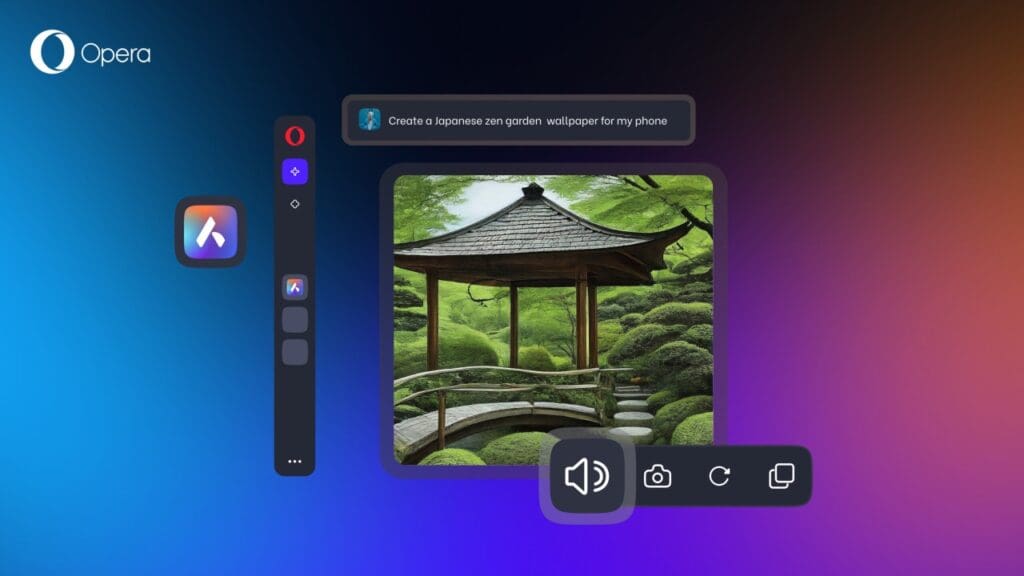
The latest update announced for Opera for Android adds a new Ask AI access point to the browser. Users can now tap the search bar and select the “Ask AI” option to easily switch between classic web search and AI-based searches. The new search bar also supports file attachments. PDFs and images can be summarized, explained, or translated into different languages by the AI. Additionally, it is possible to take photos with the device camera and upload them directly.
A feature that allows connecting the contents of the browser tab to the AI has also become part of the update. When the Ask AI option is selected from the three-dot menu at the top, the current web page is automatically added to the context. Thus, the text on the page can be summarized, explained, interacted with, or translated into a different language.
On the privacy side, Opera is introducing new limitations. The AI can only access the content of the active tab, and information regarding browsing history or other tabs is not processed. According to information provided by the company, context data is transmitted to the AI engine only when necessary, and this data is sent to Opera servers in an encrypted manner. The content in question is stored temporarily solely to maintain the conversation and speed up responses. No data is used for AI training or advertising purposes, and it is automatically deleted after 30 days.
All new features have started rolling out to Android users. Users who do not see the update yet simply need to check the Opera for Android application via the Play Store.
You Might Also Like;
- Real-Life Transformers: China’s New Modular Flying Car Just Took Off
- The $40 Billion Typo: How One Click Turned 700 People into Instant Billionaires
- 3D Printing Just Got a ‘Muscle’ Upgrade: The End of Rigid Robots?
-

-

-
-

-
-
-
-

-

-

-
-