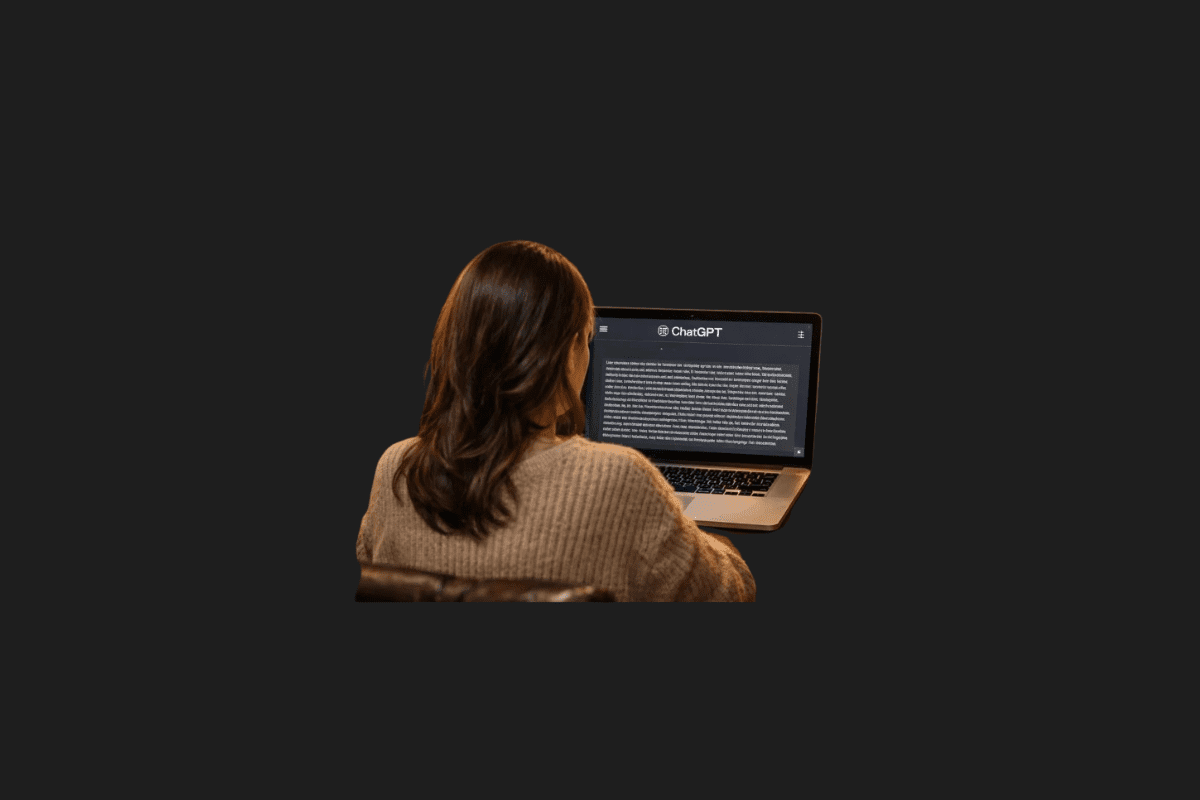
I spend a ridiculous amount of time reading AI-generated content, and I’ll let you in on a little secret: I can usually spot a raw ChatGPT output from a mile away. You probably can, too. There is a specific, sterile rhythm to it. The flawless grammar, the predictable transitions, the sudden urge to use the word “delve” or “testament”—it all screams machine.
AI detection tools have gotten incredibly sharp lately. But here is the thing: trying to bypass them shouldn’t be about tricking an algorithm. It should be about creating genuinely better, more engaging, and more human content. Writing isn’t just about stringing words together anymore; it’s about giving the right directions to your AI tools.
If you just ask an AI to “write an article,” you’ll get a robotic wall of text. But with the right prompt, you can completely change the tone, rhythm, depth, and clarity of the output. I’ve been experimenting with different phrasing, and I’ve found that the secret to transforming text isn’t adding more words—it’s giving smarter constraints.
Here are the eight most powerful prompt techniques I use to strip the robotic feel from AI outputs and make them sound like a real person actually sat down at a keyboard. Feel free to copy, paste, and tweak these for your own workflow.
1. The Reverse Outline Expander

![The best AI visual creation tools! [2024] (2)](https://metaverseplanet.net/blog/wp-content/uploads/2024/07/cropped-The-best-AI-visual-creation-tools-2024-2-scaled-1.jpg)
When you ask an AI to write a list or an essay, it usually relies on mechanical transitions like “Firstly,” “Secondly,” and “In conclusion.” It feels like a high school essay. I use this prompt to force the AI to connect ideas naturally, like a storyteller would.
The Prompt: “I am providing you with a skeleton draft of ideas. I want you to turn this into full paragraphs, but focus on connecting the ideas through narrative flow rather than logical transition words. Instead of using structures like ‘first, second, third,’ progress by linking concepts through associations and natural thought progression.”
- Why I love it: This technique pulls the text out of the “bullet-point” mindset and turns it into a fluid narrative. The reader feels like they are being guided through a story rather than reading a manual.
2. The Draft Mimic


Perfect writing is rarely human. We use parentheticals, we go off on slight tangents, and we use conversational phrasing. When I want a piece to feel incredibly authentic—like a personal blog post or a newsletter—I tell the AI to mess up just a little bit.
The Prompt: “Human writing is rarely flawless. Rewrite this text to include slight imperfections that make it feel more authentic. Use casual phrasing and parentheses for side thoughts. Warm up the tone significantly; make it sound like an intimate blog post written by an enthusiast, not an academic paper.”
- Why I love it: Texts that look too perfect often feel cold and distant. By injecting small human quirks—like a side note in parentheses or a slight break in formal structure—the text becomes instantly relatable.
3. The Complexity Booster


Monotonous sentence structures are the biggest giveaway of AI text. AI loves to write in a strict subject-verb-object rhythm. This prompt scrambles that rhythm, keeping the reader’s brain engaged.
The Prompt: “Rewrite the following paragraph to make it more unpredictable. Make unexpected, yet accurate, vocabulary choices without becoming obscure, and change the grammatical structure of every single sentence. Do not follow the standard subject-verb-object order in every line. Invert some sentences to make the writing feel less formulaic and highly dynamic.”
- Why I love it: It breaks the dreaded “AI drone.” By varying sentence length and structure, you create a natural cadence. I use this heavily when I’m publishing deep-dive tech analyses where I need to keep the reader awake.
4. The Speech Simulator


Some texts aren’t meant to be quietly read; they are meant to be heard. If I’m working on a video script or a thought-leadership piece, I want it to sound like I’m standing on a stage.
The Prompt: “Rewrite this text as if it is a transcript of an engaging TED Talk. Focus heavily on rhythm and cadence. Use sentence fragments for dramatic effect. Add natural pauses. You are allowed to start sentences with ‘And’, ‘But’, or ‘So’. When read aloud, this text must sound completely natural and possess a distinct, confident voice.”
- Why I love it: It injects raw stage energy into the text. Short, punchy sentences drive the message home. It’s my go-to for anything that will eventually be spoken into a camera or a microphone.
5. The Forbidden Words Constraint

We all know the AI vocabulary red flags: Navigating, landscape, delve, pivotal, crucial, tapestry. If you don’t ban them, the AI will use them. So, I ban them outright.
The Prompt: “Rewrite this content, but you are absolutely forbidden from using the following common AI filler words: [INSERT YOUR BANNED WORDS HERE, e.g., delve, landscape, testament, crucial, navigating]. If you need to express these concepts, dig deeper and find highly original, everyday alternatives.”
- Why I love it: This constraint forces the AI out of its lazy algorithmic habits. By restricting its favorite crutch words, the model has to get creative, resulting in much fresher, more original language.
6. The Anti-Corporate Filter

Nothing puts me to sleep faster than corporate jargon. “It is important to note,” “synergy,” “value proposition”—it’s all fluff. This prompt strips away the suit and tie.
The Prompt: “Rewrite this text from a strong, clear, first-person perspective using conversational language. Remove all cautious phrasing like ‘it is important to note’ or ‘it can be argued’. Replace all corporate jargon with plain, simple English. Use contractions. Add rhetorical questions to actively engage the reader. Write like a passionate human expert, not a neutral machine.”
- Why I love it: Corporate language creates a wall between you and the reader. This technique tears that wall down, making the writing bolder and much more sincere.
7. The Hemingway Simplifier


When I first started using AI, I would get these massive, convoluted paragraphs that took three reads to understand. True expertise is being able to explain complex things simply.
The Prompt: “Lower the reading level of the following text to a 6th-grade level. Strip out all industry jargon, adverbs, and overly complex vocabulary. Use only the active voice. Break any sentence longer than 20 words into two separate sentences. Favor a sharp, punchy narrative over an academic tone. Talk to me like a smart friend grabbing coffee, not a college professor.”
- Why I love it: Writing simply is incredibly difficult. This prompt acts as a ruthless editor, pruning away unnecessary fluff and leaving only the core message. It is absolutely brilliant for product descriptions and tutorials.
8. The Sensory Injector
AI struggles with lived human experience. It doesn’t know what rain smells like or how a mechanical keyboard sounds. To make a text truly bypass detection (and actually resonate with a reader), you have to force it to use the five senses.
The Prompt: “Enhance this text by grounding the abstract concepts in sensory details. Inject a brief, relatable, real-world scenario or a micro-anecdote that uses sight, sound, or feeling to illustrate the main point. Make the abstract tangible.”
- Why I love it: It bridges the gap between theory and reality. When a text makes you feel or visualize something specific, your brain immediately categorizes it as human-written.
Writing with AI is a partnership. If you feed it garbage instructions, you will get robotic garbage out. But if you take control, apply constraints, and demand a specific voice, you can create content that is not only undetectable but genuinely worth reading.
I’ve had massive success using the “Draft Mimic” combined with the “Forbidden Words Constraint” for my own projects. But I’m curious about your workflow. Which of these eight techniques do you think will make the biggest difference in your next writing project, or do you have a secret prompt of your own? Let me know in the comments!
You Might Also Like;
- The Dark Truth About Colonizing Mars They Aren’t Telling You
- Yuka 3D Vision Robot Lawn Sweeping Mower Review
- Birddy Smart Bird Feeder Camera Review
-

-
-

-

-

-

-

-

-

-
-
-