
In the rapidly evolving world of Artificial Intelligence, subscriptions can stack up quickly. However, some of the most powerful tools are actually free—if you know where to look.
We have curated a list of 20 AI tools that are either completely free, open-source, or offer generous daily credits without requiring a credit card to start.
🧠 Best Free AI Chatbots & Assistants
1. Google NotebookLM

This is arguably the best “truly free” tool available right now. It is a research assistant that turns your documents (PDFs, text files, links) into a knowledgeable AI.
- Best For: Students, researchers, and content creators.
- Features: Audio Overviews (turns text into a podcast), instant summarization, citation sourcing.
- Pros: 100% Free, no limits on usage currently, extremely smart handling of data.
- Cons: Not for general chit-chat; requires source material.
2. Hugging Chat

An open-source interface that allows you to use the best open models (like Llama 3, Mistral, Qwen) for free.
- Best For: Privacy-focused users and developers.
- Features: Access to multiple top-tier open-source models.
- Pros: No strict message limits, high privacy, no account needed for basic use.
- Cons: Can be slower than paid services during peak times.
3. Microsoft Copilot (Web)

Microsoft offers free access to GPT-4 and DALL-E 3 (for images) through their web interface.
- Best For: General assistance, web search, and image creation.
- Features: Connected to the internet, generates images, writes code.
- Pros: Access to GPT-4 (usually paid) for free.
- Cons: Limits the number of turns per conversation; can be strict on sensitive topics.
4. Groq, Not Grok – GROQ 🙂


The fastest AI inference engine on the planet. It is currently free to use to showcase their speed.
- Best For: Instant answers and coding help.
- Features: Lightning-fast responses using Llama 3 and Mixtral models.
- Pros: Instantaneous speed, completely free (currently).
- Cons: Chat history is limited; meant more for tech demos but fully functional.
5. DuckDuckGo AI Chat

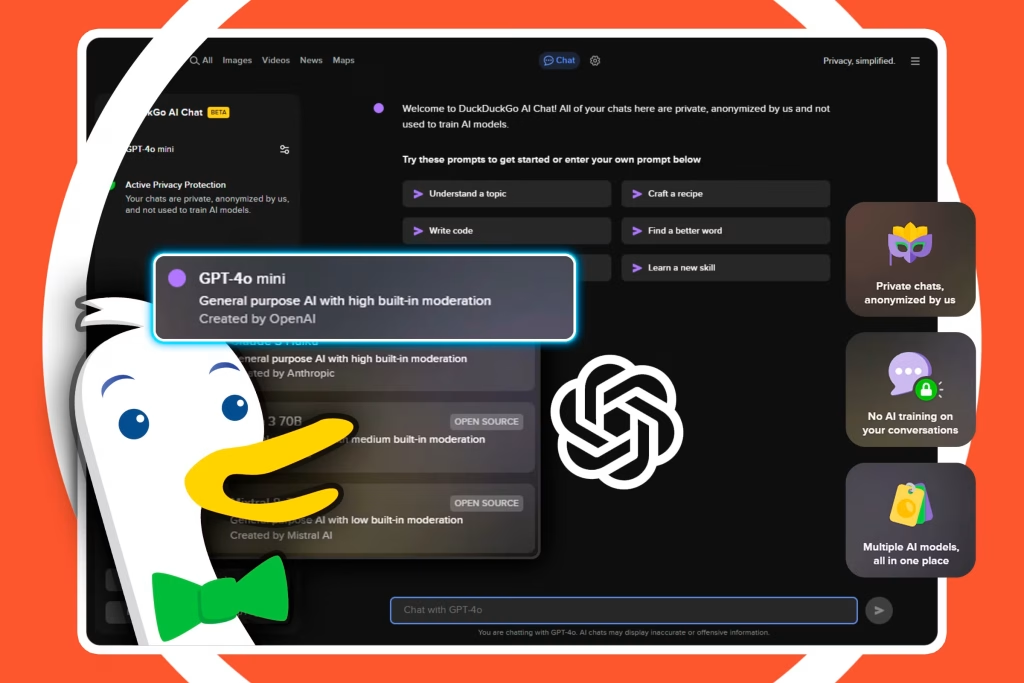
Privacy-first access to popular AI models.
- Best For: Anonymous chatting.
- Features: Access to GPT-4o mini, Llama 3, and Claude 3 Haiku.
- Pros: Completely anonymous, no data training on your chats.
- Cons: Daily limits apply, but they are generous.
🎨 Best Free Image Generation Tools
6. Leonardo.ai

While it has paid plans, its free tier is one of the most generous in the industry.
- Best For: High-quality artistic images and game assets.
- Features: 150 free tokens resets every day.
- Pros: Professional quality, daily renewal of credits.
- Cons: Images are public on the free plan.
7. Ideogram
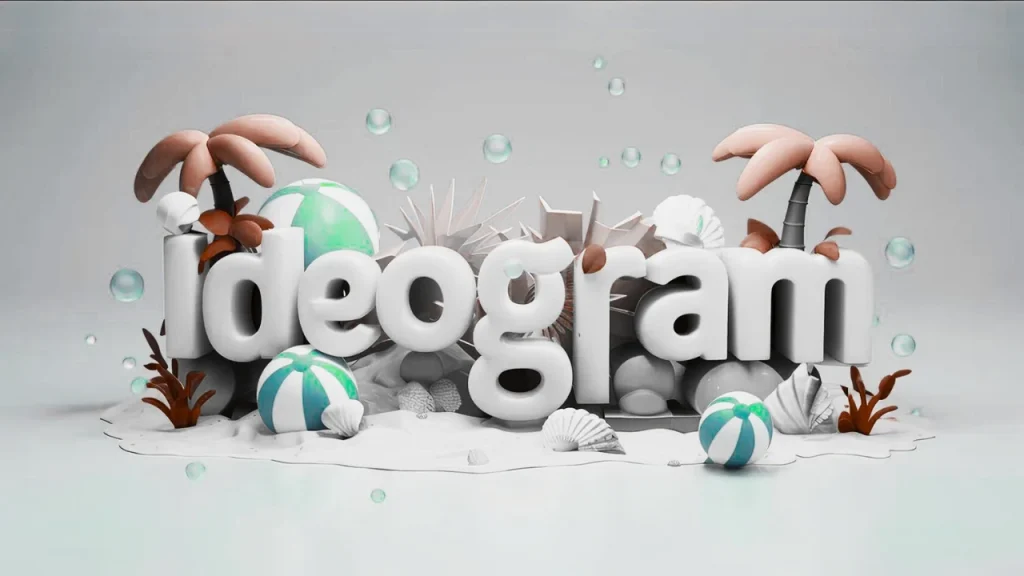
Famous for handling text within images better than almost anyone else.
- Best For: Logos, T-shirt designs, and typography.
- Features: 10-20 free prompts per day (approx. 40 images).
- Pros: Best-in-class text rendering.
- Cons: Slow generation speed on the free tier.
8. Civitai

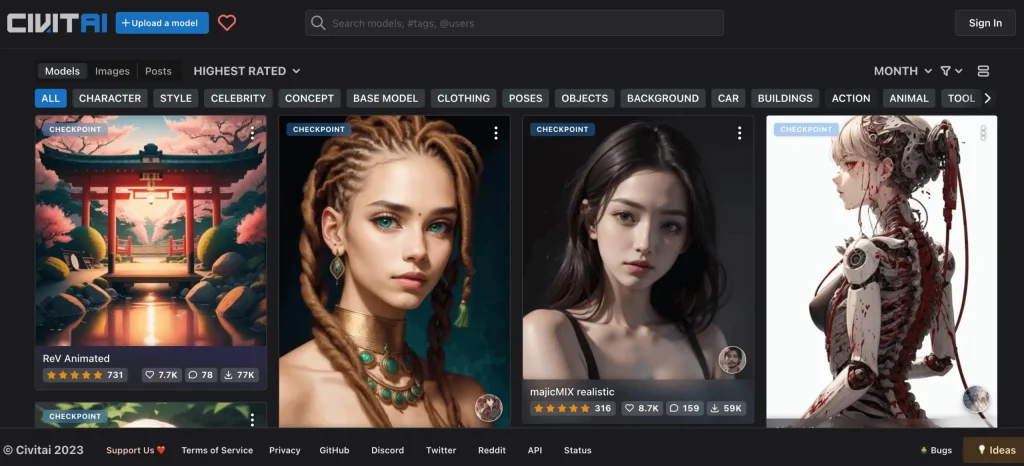
A hub for Stable Diffusion models that also lets you generate images on their site.
- Best For: Specific styles (Anime, Realistic, 3D).
- Features: Access to thousands of community LoRAs (styles).
- Pros: Extremely customizable, earns free “Buzz” (credits) by participating.
- Cons: Interface can be complex for beginners.
9. Adobe Firefly (Web)


Adobe’s ethical AI image generator.
- Best For: Photorealistic stock images and text effects.
- Features: Generous monthly free credits.
- Pros: Safe for commercial use, high quality.
- Cons: Watermark is applied on the free tier.
10. Craiyon


Formerly DALL-E Mini, this tool is completely free and ad-supported.
- Best For: Quick, fun, lower-resolution ideas.
- Features: Unlimited prompts.
- Pros: Truly unlimited, no credit system.
- Cons: Lower image quality compared to Midjourney; ads on the site.
🎬 Best Free Video & Audio AI
11. Suno AI


The viral AI music generator.
- Best For: Creating full songs with lyrics.
- Features: 50 free credits daily (10 songs).
- Pros: Incredible quality, writes its own lyrics.
- Cons: You do not own the commercial rights on the free plan.
12. CapCut (Desktop/Web)
ByteDance’s editor includes massive AI features for free.
- Best For: Short-form video creation (Shorts/Reels).
- Features: AI auto-captions, AI background removal, AI avatars.
- Pros: Industry standard for social media, very powerful free version.
- Cons: Some specific advanced effects are Pro-only.
13. Viggle AI

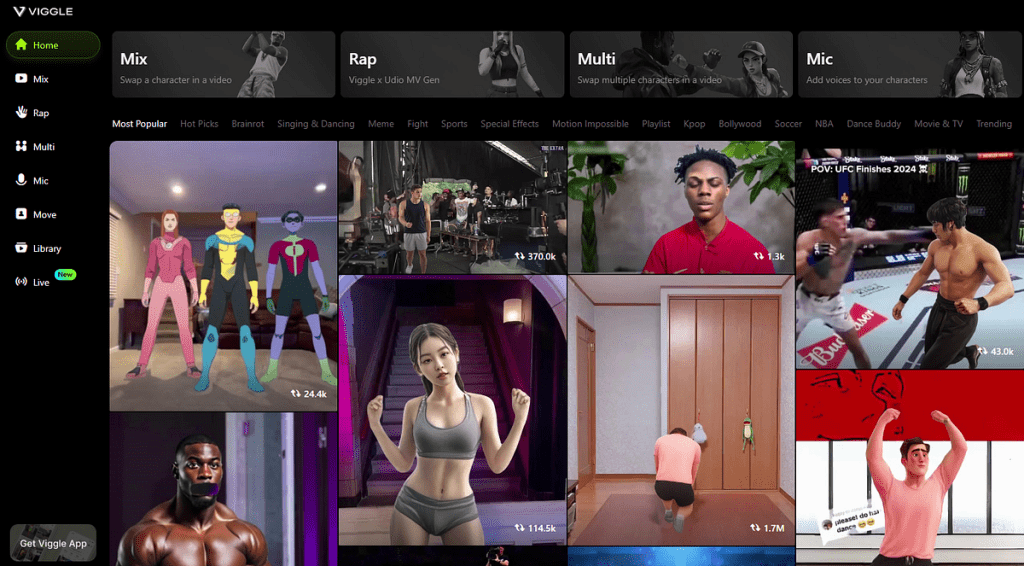
A tool to replace characters in videos or make static images dance.
- Best For: Memes and funny animations.
- Features: Animate any static character.
- Pros: Currently free in Discord/Beta.
- Cons: processing queues can be long.
14. TTSMaker

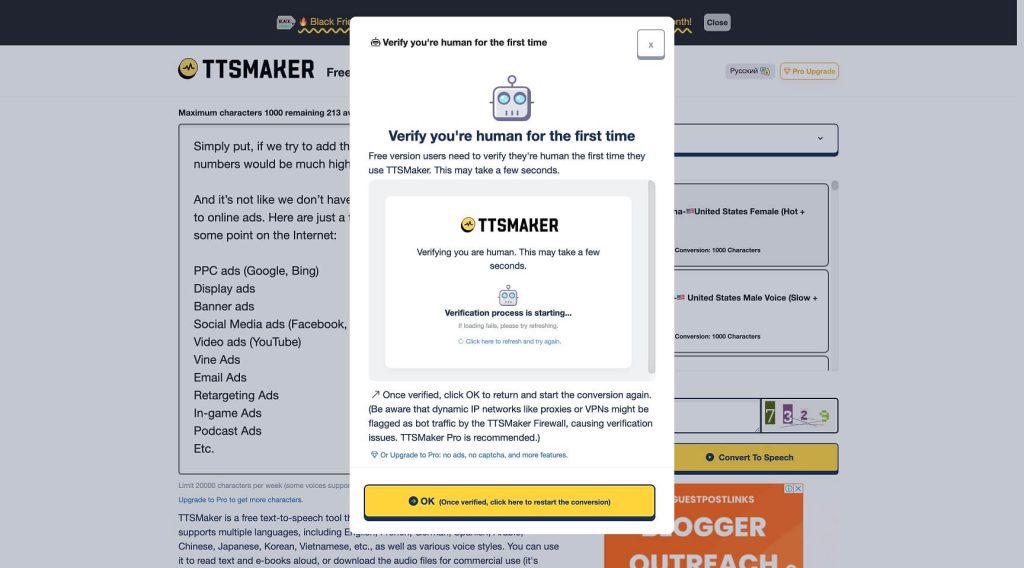
A completely free text-to-speech tool online.
- Best For: Voiceovers for videos.
- Features: Supports huge character limits and multiple languages.
- Pros: No login required, unlimited use.
- Cons: Voices are robotic compared to ElevenLabs.
15. Luma Dream Machine

High-end AI video generation.
- Best For: Creating realistic 5-second video clips from text.
- Features: 30 free generations per month.
- Pros: State-of-the-art video quality.
- Cons: Once monthly credits run out, you have to wait.
🛠️ Best Free Productivity & Coding AI
16. Blackbox AI

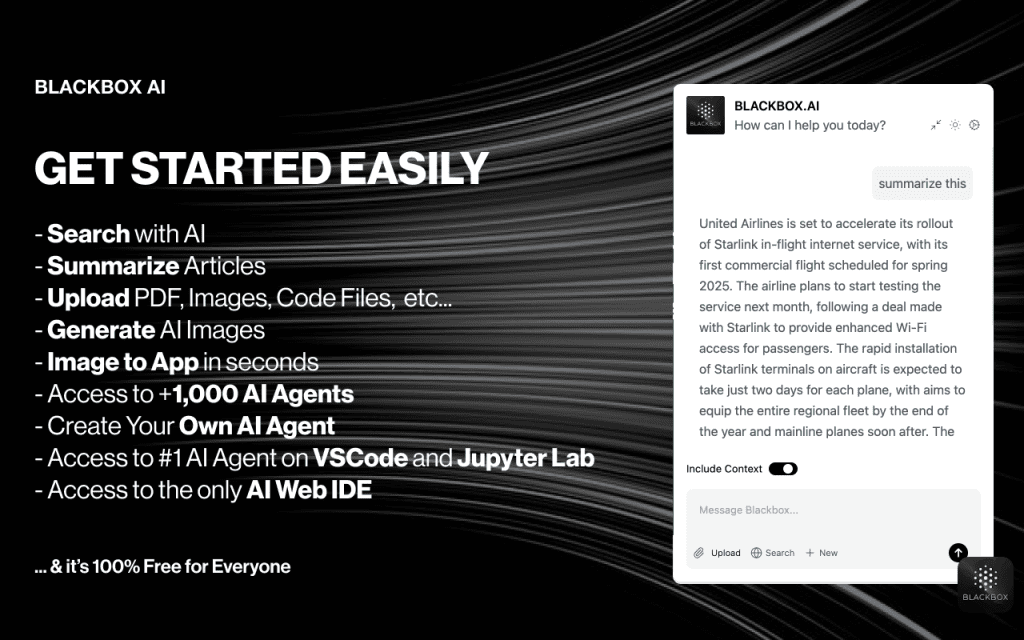
Designed specifically for coders.
- Best For: Debugging and writing code.
- Features: VS Code extension, real-time web search for coding solutions.
- Pros: Very generous free tier for developers.
- Cons: Can sometimes hallucinate on complex architectures.
17. Phind
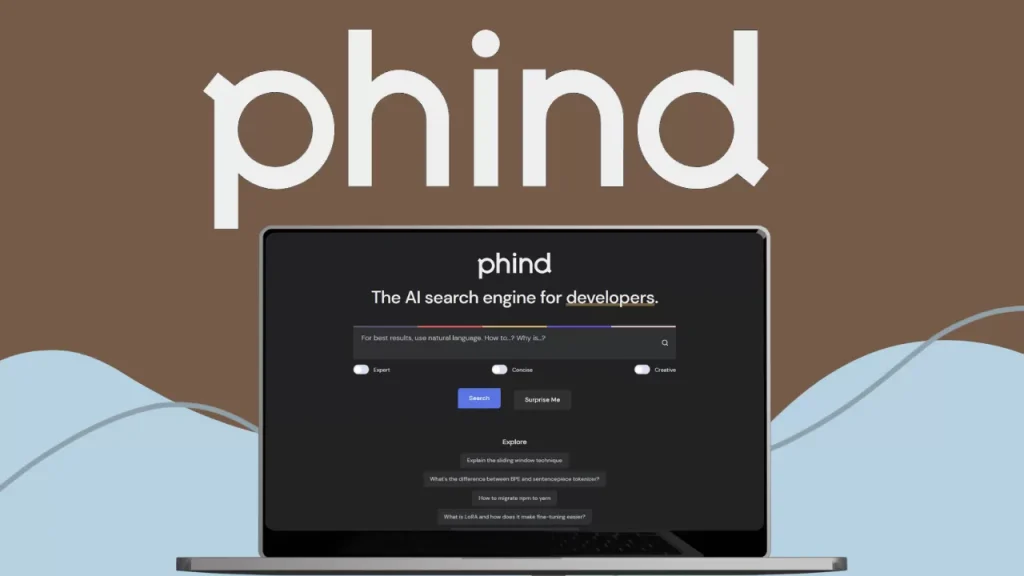
A search engine optimization for developers.
- Best For: Finding code snippets and technical answers.
- Features: Connected to the web, focused on StackOverflow-style answers.
- Pros: Much better than Google for coding questions.
- Cons: None significant for free users.
18. Perplexity AI


A replacement for traditional Google Search.
- Best For: Research and quick answers.
- Features: Cites sources for every answer.
- Pros: “Pro” search (limited daily) is available for free users.
- Cons: Reverts to a basic model after a few Pro searches.
19. DeepL
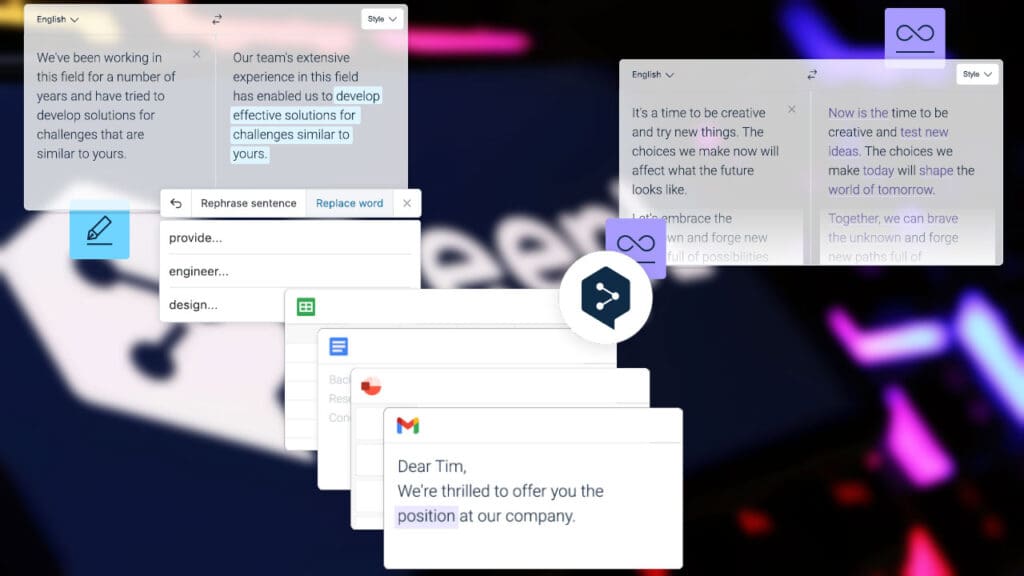
The world’s best AI translator.
- Best For: Translating documents and text accurately.
- Features: Captures nuance better than Google Translate.
- Pros: Free web use is excellent.
- Cons: Document translation has file size limits on the free plan.
20. Gamma App

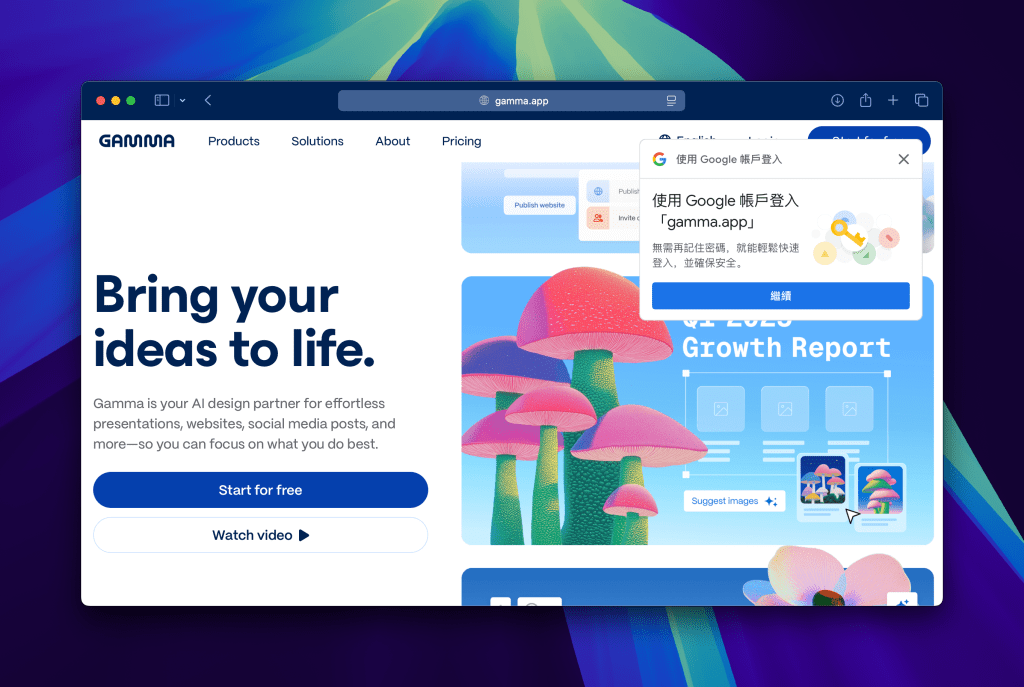
AI for creating presentation slides.
- Best For: Making a PowerPoint deck in minutes.
- Features: Generates text, layout, and images.
- Pros: Starts with 400 credits (enough for several presentations).
- Cons: Watermark on free exports.
You don’t need a corporate budget to access the future. Tools like Google NotebookLM and Hugging Chat are proving that high-quality AI can remain accessible. Whether you are a creator, a coder, or a student, this stack of tools allows you to build an entire workflow for $0.
Note: AI companies change their policies frequently. These tools were verified as free or having generous free tiers as of late 2026.
You Might Also Like;
- The Dark Side of Nanotechnology: Could Microscopic Swarms Erase Billions?
- The Illusion of Digital Immortality: Are You Really Uploading Your Mind?
- The View That Changes Everything: Artemis 2’s Deep Space Eclipse
-

-

-
-

-

-

-

-
-

-

-

-

